Apps Like Citrus 1 Tap Photo Enhancer AI for iPhone and iPad
Enhance photos with one tap
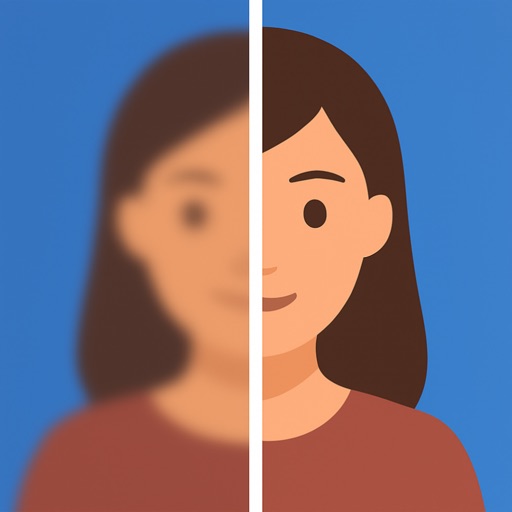
Edit photos with one tap for HD clarity and natural beauty. Unblur faces and details, enhance multiple photos in batch, fix lighting and color, upscale images, reduce noise, and increase sharpness without over-editing.
by Wemagine.ai LLP★ 4.817,021 ratingsPhoto & VideoFreeData updated 2026-09-21
Enhance image quality by unblurring and sharpening photos, reducing noise, and upsizing for clarity. Improve video clarity with noise reduction and motion smoothing. Sharpen PDF text and lines for better readability.
Enhance videos and photos to HD/Ultra HD/4K with before/after comparisons. Apply creative transitions. Retouch selfies to improve appearance. Stabilize shaky footage for smoother results.
Edit photos, enhance images, generate AI portraits,
Edit photos with AI to erase, swap, and change backgrounds. Enhance images using AI-generated effects and filters. Create realistic AI portraits and designs with templates, fonts, and backgrounds. Export and share edited photos in multiple formats.
Edit photos with AI-powered filters and effects. Transform images into -style art and cartoon avatars. Add text, stickers, and animations. Export in various formats and share directly.
Enhance photos by removing blur, restoring details, and improving clarity. Adjust brightness, contrast, and color. Save and share edited images. Supports batch processing and integrates with cloud storage.
Edit photos with 200+ filters and AI art effects for enhanced visuals. Adjust brightness, contrast, and saturation. Add text, stickers, and animated effects. Export in various formats and share directly. Apply AI flash for vintage aesthetics.
Edit photos and videos with AI retouch for detailed skin enhancement and blemish removal. Adjust lighting, color, and composition. Add text, stickers, and filters. Export in various formats and share directly.
Edit photos with AI-enhanced tools for clarity and resolution. Remove unwanted elements and separate figures or objects. Apply AI skin corrections and custom filters. Adjust HSL and curves for precise color and tone control.
AI improves quality, fixes lighting, and sharpens details. AI Unblur converts pixelated or blurry images into clear high-resolution photos. Users can upload photos and apply AI-powered enhancements to restore old memories or refine portraits.
Edit photos with filters, cropping, and AI enhancements. Adjust colors and brightness. Add text, stickers, and overlays. Create collages and cards. Edit videos with trimming, transitions, and effects. logos, flyers, and social media content.
Create and video collages with customizable grids and layouts. Add photos, text, stickers, and drawings. Use exclusive filters and animated templates. Export and share finished designs.
Edit photos and videos with face filters for skin smoothing, glowing effects, and natural enhancements. Adjust hairstyles and body shape for realistic alterations. Apply AI-powered tools for instant, professional-looking results.
Create videos using AI-generated templates for TikTok, Instagram Reels, and YouTube Shorts. Add auto-synced captions and beats. Convert text or images into videos. Remove backgrounds and auto-cut clips. Apply AI effects for enhanced visuals.
Edit photos with background blur, skin smoothing, and artistic filters. Remove distractions and enhance details. Add text and stickers. Share directly to social media or save in high-quality formats.
Edit photos with filters, tools, and beauty effects. Adjust skin tone, add lashes, and apply contouring. Share edited images directly to social media platforms. Sync with beauty trends and access weekly new styles.
Remove unwanted objects from photos using AI-powered erasing and background replacement. Edit images by cropping, adjusting brightness, and applying filters. Save and share edited photos directly from the .
Edit photos with AI-powered clarity enhancement, blur reduction, and detail sharpening. Restore old images by removing scratches and colorizing faded areas. rtistic variations with different styles and filters.
Edit photos and videos with filters, presets, cropping, and color adjustment tools. Resize and crop content for social platforms like Instagram and Snapchat. Create collages by combining images. Use MAGIC FILL to expand or uncrop images.