A stopwatch with a large display and two big buttons for start/stop. Tracks time in full seconds, tenths, and hundredths. Supports Retina Display on iPad and iPhone. No ads included.
by Tim O's Studios, LLC★ 4.1155 ratingsSports$0.99Data updated 2026-09-27
Mirror device screens to compatible smart TVs wirelessly. videos, photos, presentations, and games in real-time. Connect with one tap. Enjoy full- display and high-quality transmission without cables or complex setup.
Set alarms with customizable or nature sounds. View weather forecasts for your location. Display a digital clock with interchangeable themes or a flip clock. Use the built-in flashlight for illumination.
Manage connected devices and view real-time video streams from DVRs and IP cameras. Control PTZ cameras with gestures or manually. Search videos by time or event. Use split screen display, two-way audio, and digital zoom.
Calculate age in years, months, weeks, days, hours, minutes, and seconds. Track days left to next milestones. Receive notifications when milestones are reached. Display age with a widget.
The app functions as an alarm clock with a large time display and adjustable brightness. Users can select alarm sounds, their own music, or internet radio to wake up.
Calculate tips based on total amount and percentage. Split bills among multiple people. Display total with tip included. View transaction history. Remove ads with in- purchase.
Track multiple stopwatches simultaneously with 1/100 second precision. Set custom names and save configurations using templates. View split and lap times. Store history records and share them. Supports 3 color themes and retains time after closing.
Calculate the number of days two . Set start and end to view the difference. Display total days, weeks, months, and years. Show breakdown of days, weeks, and months. Export results as text or share via social media.
Enter the by pressing numbered buttons for each digit. Retrieve the serial number by pressing 2 and 6 for 5 seconds or removing the to find the PRECODE. Input digits using buttons 1 through 4.
Measure altitude using barometric pressure and GPS data. Display altitude in feet and meters with real-time accuracy. Calibrate sensor and switch between day and night display modes.
Add widgets to your home screen to display news, weather, calendar events, and more. Customize styles and colors. Easily add, remove, and adjust widgets through a simple interface.
Display school events and bell schedules for PVPHS. View daily schedules, upcoming events, and location details. Receive notifications for event changes and access calendar integration.
Display time with a , digital , and disc widgets. View a full-screen for prominent time display. Track progress with a progress bar widget. Access a Friday calendar widget. Adjust angles for different viewing positions.
View and manage PDFs, , and videos in Picture in Picture mode. Navigate pages with 15-second jump buttons. Play photo slideshows or videos in PiP. Set a timer in PiP mode. No ads.
Explore probability with interactive sliders and buttons. Calculate probabilities and percentiles for upper tail, lower tail, or two-tailed tests. Visualize results alongside numerical solutions. Compare continuous and discrete side-by-side.
The app provides an interactive unit circle to explore relations between angles and trigonometric ratios. It includes an exact trigonometric ratios table and a handbook of trigonometric formulas.
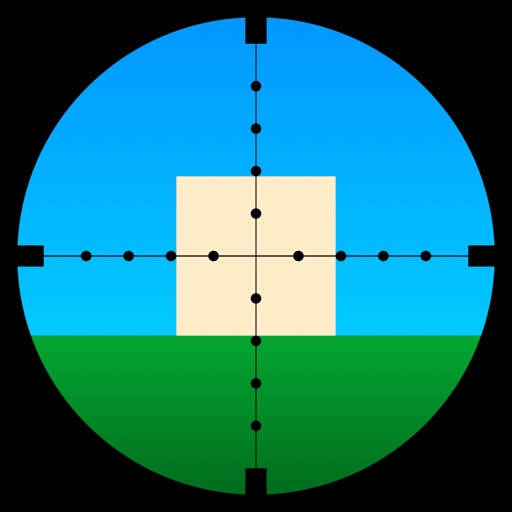
Learn to use a -Dot Riflescope with real-time range calculations in yards and meters. Perform target range estimation quickly using a simple graphical interface. One-handed operation eliminates manual input for range measurements.
Monitor earthquakes with real-time updates and GPS compass maps. Display professional data including altitude, orientation, air pressure, and coordinates. View environmental metrics like humidity and temperature.
Convert currencies with real-time rates and manual updates. Display both rates and converted amounts. Switch currencies with a toggle button. Features a simple, intuitive interface. No cost to use.