
iPhone Screenshots

Description
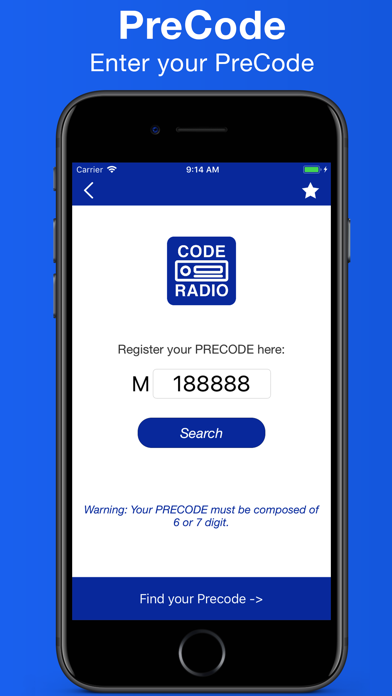
Enter the by pressing numbered buttons for each digit. Retrieve the serial number by pressing 2 and 6 for 5 seconds or removing the to find the PRECODE. Input digits using buttons 1 through 4.
Offline code for Ford 3000, 4000, 4500, 5000, 6000, 6006, 7000 and 9006.
Ford M series code.
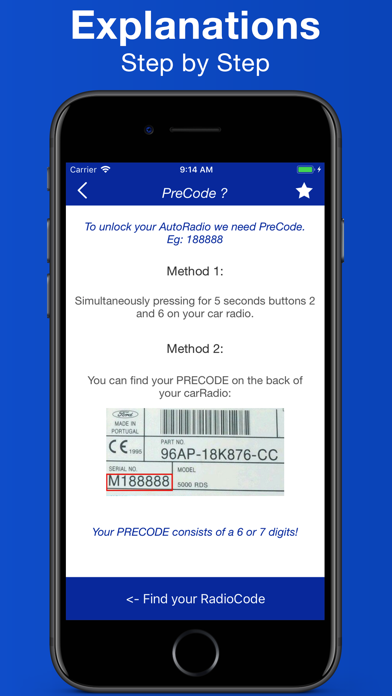
To find the serial number:
- On your car radio simultaneously press 2 and 6 and hold for 5 seconds.
- Remove your car Radio and get your PRECODE on the back.
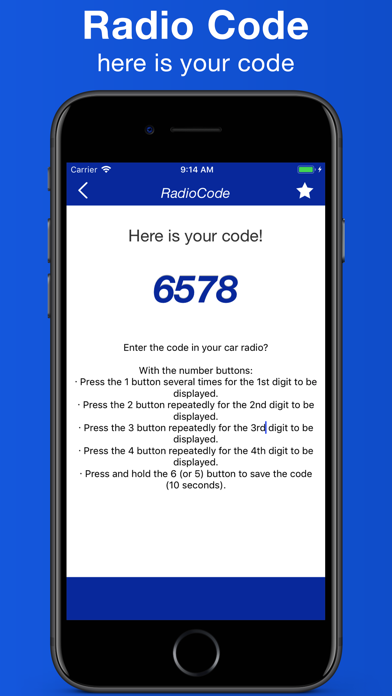
Enter your code?
· Press the "1" button repeatedly for the 1st digit to be displayed
· Press the "2" button repeatedly for the 2nd digit to be displayed
· Press the "3" button repeatedly for the 3rd digit to be displayed
· Press the "4" button repeatedly for the 4th digit to display "
· Press and hold the "5" button to save code (10 seconds)