
iPhone Screenshots





Description
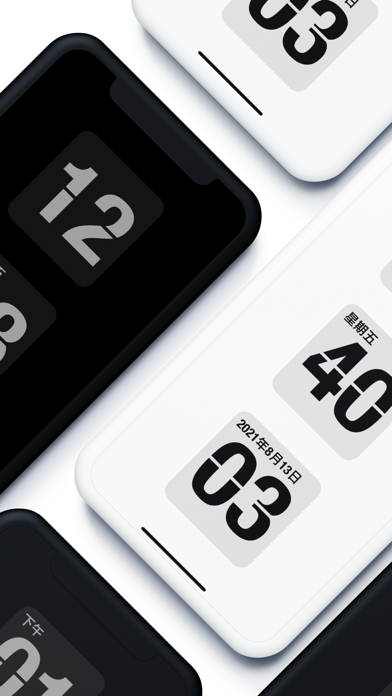
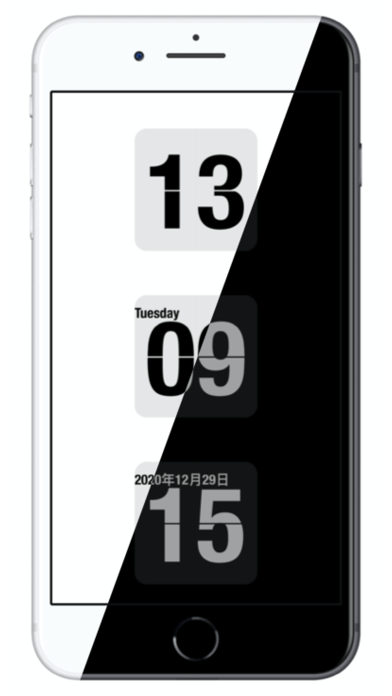
Display time with a , digital , and disc widgets. View a full-screen for prominent time display. Track progress with a progress bar widget. Access a Friday calendar widget. Adjust angles for different viewing positions.
It is a must-have personalized posing artifact for hipsters, a must-have tool for exam preparation and study, and hard work.
Eye-catching digital digital watch display, convenient for your living room, any angle of the work desk to watch the time.
Full screen flip, clock display more prominent, no matter where you put it, it is a beautiful scenery.
Widgets:
- Flip Clock Widget
- Digital Clock Widget
- Friday Calendar Widget
- Progress Bar Widget
- Disc Clock Widget
Special Features.
1, full-screen classic page animation, minimalist design style
2、Free control of the display of time: seconds, date, week is free to control the display of hidden
3, 12 and 24 hours mode switching
4, left and right slide the clock screen, adjust the brightness of the screen