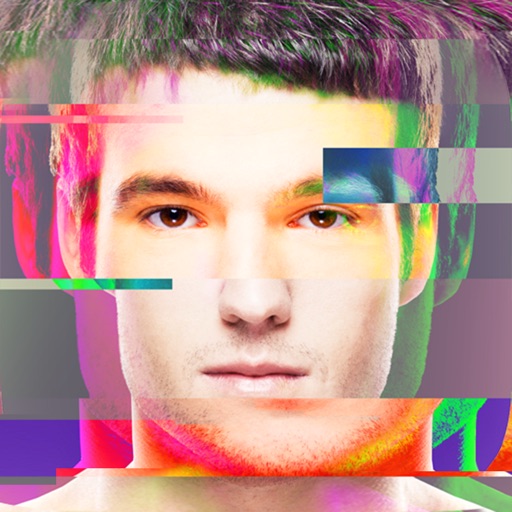
Create blur effects by tracing fingers over photos, with automatic border correction for natural results. Zoom in or out using pinch gestures for precise adjustments. Check results by tracing over the screen.
by Hiroyuki Fushida★ 3.97 ratingsPhoto & VideoFreeData updated 2026-09-08
Turn photos into retro video game-style images. Select pixel shapes, sizes, and color schemes. Adjust colors and flatten palettes. Pinch to resize pixels or double-tap to switch color modes.
The app allows users to remix personal photos to create wallpapers for iOS devices. It offers a Home Screen Test Mode and a Live Parallax effect throughout the interface for a sense of depth.
The app provides functions to control WCAM series WiFi cameras from ToupTek Photonics. It offers utility video functions including preview, snap, and pinch to zoom.
Edit photos with crop, rotate, and filter tools. Adjust brightness, contrast, and color. Add text, stickers, and draw on images. Apply blur, focus, and special effects like magic and splash. Export and share edited photos.