Create blur effects by tracing fingers over photos, with automatic border correction for natural results. Zoom in or out using pinch gestures for precise adjustments. Check results by tracing over the screen.
by Hiroyuki Fushida★ 3.97 ratingsPhoto & VideoFreeData updated 2026-09-08
The app offers various options to blur parts of photos, including backgrounds. Users can select a photo or take a new one and then use their finger to apply blur effects with adjustable intensity levels.
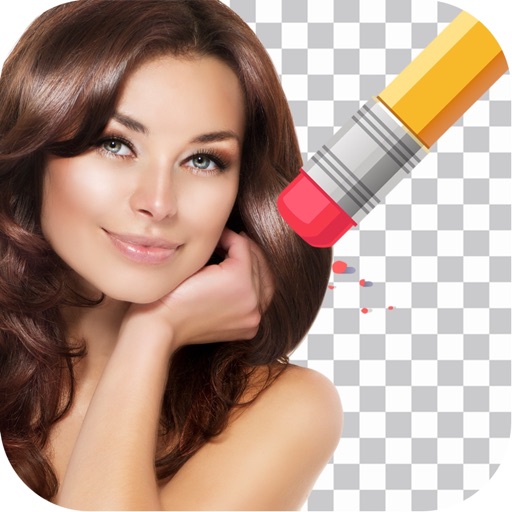
Remove backgrounds from photos by tapping areas to erase. Automatically or manually adjust transparency. Save edited images in HD quality. Export and share edited photos directly.
The app offers a private vault for photo storage, secured with Face ID, Touch ID, or a passcode. It includes editing tools like filters, adjustments, effects, cropping, and text overlays.
Edit photos and videos with filters, effects, and adjustments. and scale using predefined canvases. Rotate, flip, and blur images. Add text, stickers, and frames. Share full-size content to Instagram and other social media without cropping.
Record videos and photos with controls including focus peaking, false color, and histogram. Shoot in PRORAW and DNG formats. Adjust audio metering, custom resolutions, and frame rates. Export logs and fat videos.
The app offers a special-effects toolbox for photos and movies. It allows users to chain over 150 basic effects to create unique looks and apply distortions, color correction, or overlays.
Edit images to remove backgrounds using AI. Cut out objects and replace them with new backgrounds. Adjust edges for smooth transitions. Share edited images directly.