
iPic Editor - Photo Editing Ap
Edit photos with crop, rotate, filter, adjust,
Babi Pinajben Sarafaraz
iPhone Screenshots




Description
Edit photos with crop, rotate, and filter tools. Adjust brightness, contrast, and color. Add text, stickers, and draw on images. Apply blur, focus, and special effects like magic and splash. Export and share edited photos.
The iPic Editor app is simply a photo editing application!
The app offers a comprehensive range of editing tools to help you perfect your pictures. It provides your iPhone with the power and control of a professional photo editor.
Main Editing Options:
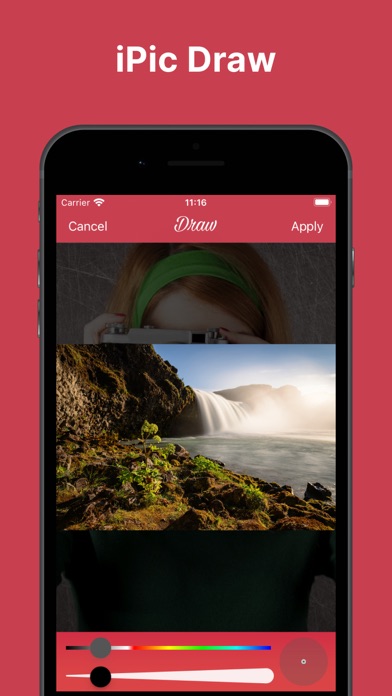
Crop, Rotate, Filter, Adjust, Text, Sticker, Focus (Blur), Magic, Splash, Draw
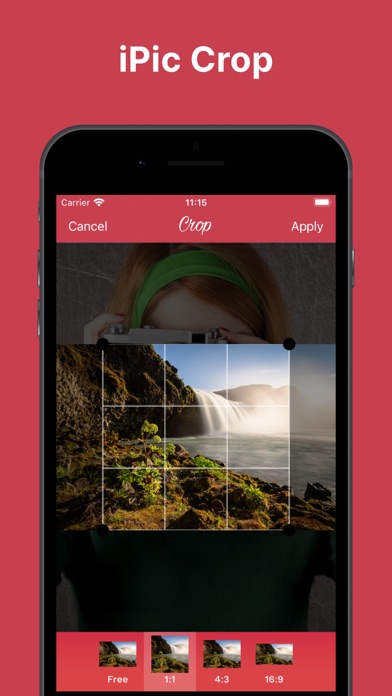
Crop:
Free, 1:1, 4:3, 16:9
Rotate:
Free, Flip Horizontal, Flip Vertical
Filter:
None, Linear, Vignette, Instant, Process, Transfer, Sepia, Chrome, Fade, Curve, Tonal, Noir, Mono, Invert
Adjust:
Sharpness, Brightness, Contrast
Text:
New, Color, Font, Alignment, Styles
Focus / Blur:
Normal, Circle, Band
Magic:
None, Spot, Hue, Highlight, Bloom, Gloom, Posterize, Pixelate
Download for FREE!