Edit images by detecting and highlighting contours to create pencil-drawing effects. Select photos from the device library or capture new ones. Apply the contour effect and view the resulting image on the screen.
by Luigi Fonti★ 1.01 ratingsPhoto & Video$0.99Data updated 2026-09-08
Turn photos into drawings, cartoons, or sketches with one click. Apply various effects including black strokes, white strokes, pastel, and halftone. Adjust edge strength, opacity, contrast, brightness, and saturation.
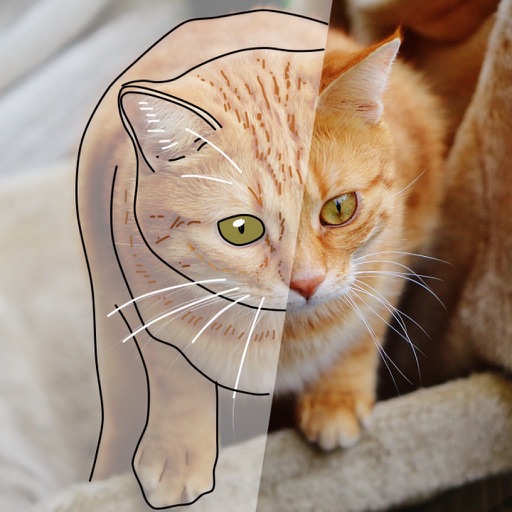
Convert photos to colored or black and white sketches using 7 available effects. Choose a photo from the library or take a new one. Apply a effect and save the result to the device. No internet connection is required.
Create art with 10 brushes. Adjust brush size and color randomly. Import photos to doodle on. Add drawings to family images for customization. Save and share completed artwork.
Resize images to reduce file with simple operations. Select and preview images, adjust quality and format options. Share resized images directly via email or other apps without saving to iPhone. Combine multiple images for lighter files.
The app allows users to change a monochromatic background into any image. It offers tools to manually remove backgrounds without a green screen and includes features like auto-enhance, drawing, stickers, text, and various photo effects.
Over image templates with automatic pen tracking for accurate . Select from preloaded categories like animals, flowers, and vehicles. Choose from over 150 colors to customize drawings. Export final artwork in various formats.
Books allow users to select fruit and doodles for customization. Choose colors from menus and apply different color styles. Adjust pencil size for better control and use an eraser tool for corrections.
MPScan enhances scanned images by automatically cropping with edge detection and perspective correction. It removes scratches, dust, and noise using smart filters. Users can apply automatic or manual adjustments for image enhancement.
Convert photos into limited-color posters with a effect. Apply filters to adjust colors and brightness. Share images on social media platforms like Facebook and Twitter. Save or email the edited photos directly.
Resize and compress photos with batch processing support. Convert between JPEG, HEIC, PNG, WebP, TIFF, and AVIF formats. Remove location data and EXIF information. Adjust image quality and resolution.
Save specific video scenes to photo albums with or without live photo. View images in fullscreen. Save multiple photos. Export as GIF. Sync with iCloud Photo Library.
Convert photos and videos into paintings or hand-drawn animations using AI. Apply sketching or painting styles with adjustable textures. Save the artwork process as a video. Choose from five standard art tools.
Arthur Eduardo Skaetta Alvarez Desenvolvimento de Software LTDA.
Select frames and export -res photos
Select a and scroll through frames to capture a - image. Export the selected frame in original resolution or HEIC format for smaller file size. Share the image directly from the .
Edit photos and videos to apply effects. Adjust hue, saturation, brightness, contrast, exposure, and other parameters. Use smart sharpening filters to enhance image quality. Convert old photos to style. Export edited content in various formats.
Select and edit photos from the album or camera. Use the lasso tool to draw a closed path for blurring. Adjust difficult areas with the Touch feature. Apply over 30 effects and fine-tune the selection.