Edit images by detecting and highlighting contours to create pencil-drawing effects. Select photos from the device library or capture new ones. Apply the contour effect and view the resulting image on the screen.
by Luigi Fonti★ 1.01 ratingsPhoto & Video$0.99Data updated 2026-09-08
Create sketches from photos or camera captures with "," "Doodle," and "Hatch" styles. Adjust colors for black-white or vibrant results. Save images with a single tap. Share generated sketches directly.
Create and edit images with basic drawing tools. Draw freehand or use shapes and lines. Add text and colors. Save and share drawings directly. Import and modify existing images.
Combine multiple photos into customizable frames or collages with 55 adjustable templates. Add rounded corners, effects, shadows, and patterns. Choose colors using an easy color picker. Save projects and share via Facebook, Email, or Twitter.
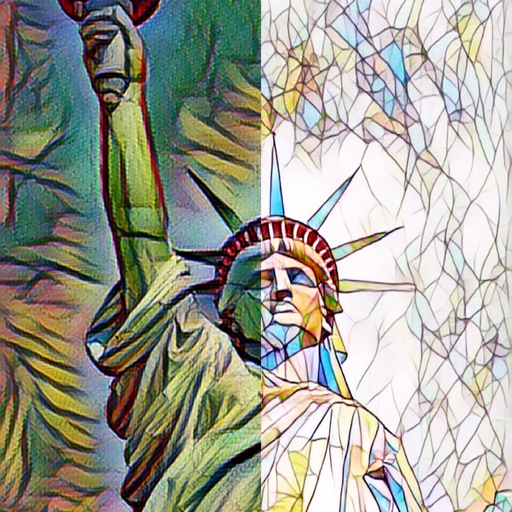
The app automatically corrects photos and offers numerous filters and styles. Users can save high-resolution images for printing and share them across various social networks and platforms.
Split large rectangular photos or panoramas into square images for . Upload individual tiles and watch them combine into a single image. Adjust scaling options for detailed viewing. Share high-quality images without resizing.
Edit photos with local area image processing to correct dark or overexposed regions. exposure, contrast, and color balance. Apply saturation and clarity controls. Save edits in original or adjusted formats.
Enhance image quality by unblurring and sharpening photos, reducing noise, and upsizing for clarity. Improve video clarity with noise reduction and motion smoothing. Sharpen PDF text and lines for better readability.