
Negative Image: Photo Enhancer
Edit images and videos with precision
Ofir Yagil
iPhone Screenshots

Description
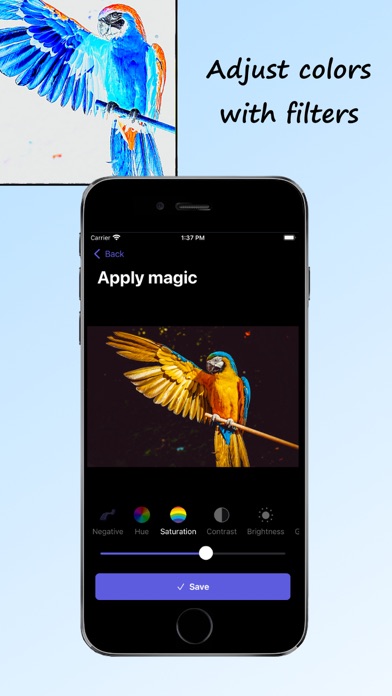
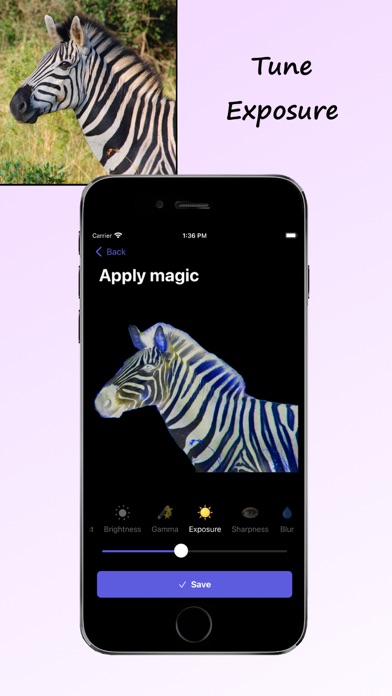
Edit photos and videos to apply effects. Adjust hue, saturation, brightness, contrast, exposure, and other parameters. Use smart sharpening filters to enhance image quality. Convert old photos to style. Export edited content in various formats.
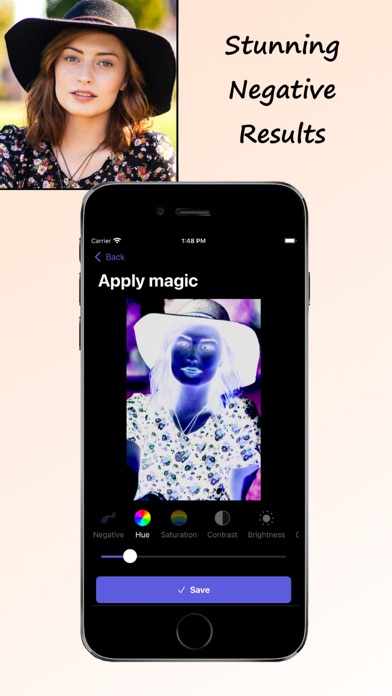
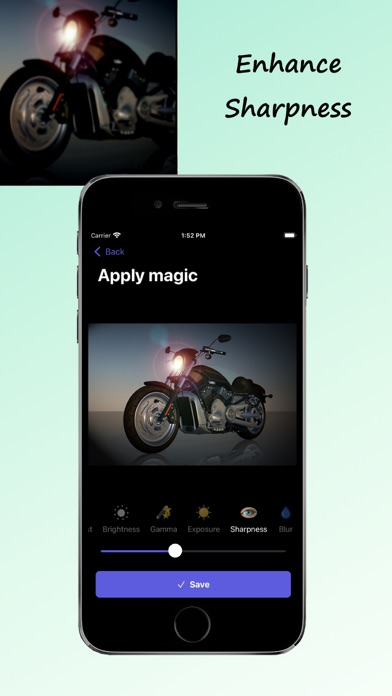
Negative Image is a simple yet powerful app for performing negative effects on images and videos and improving photos quality. Enhance the quality of your photos by modifying parameters like hue, saturation, brightness, contrast and more. You can then use our smart sharpening filter to get stunning results for your image.
ENHANCE QUALITY:
* Get beautiful negative results
* Adjust photo parameters like hue, saturation, brightness, contrast, exposure and more to get better results
* Convert old negative films to real photos with high quality
* Sharpen the image using a smart sharpening filter
* Preserve the aspect ratio of the original photo/video
SMART NEGATIVE ENGINE:
* Keeps the original high quality of the photo or video
* Fast performance
* Saves history of all converted photos/videos
* You can save results to Photos or Files
* Share results with friends using any other social app you like
* All common image/video formats are supported (jpg, png, heic, mp4, mov, flv, and more)
HOW TO USE:
1. Load a photo or a video
2. Apply the negative effect and adjust colors parameters as you wish
3. Watch the result, save it to Photos/Files and share with friends
Please read our terms of service and privacy policy before using the application:
* Terms of service - https://ofirapps.blogspot.com/2021/04/negative-image-terms-and-conditions.html
* Privacy Policy - https://ofirapps.blogspot.com/2021/04/negative-image-privacy-policy.html