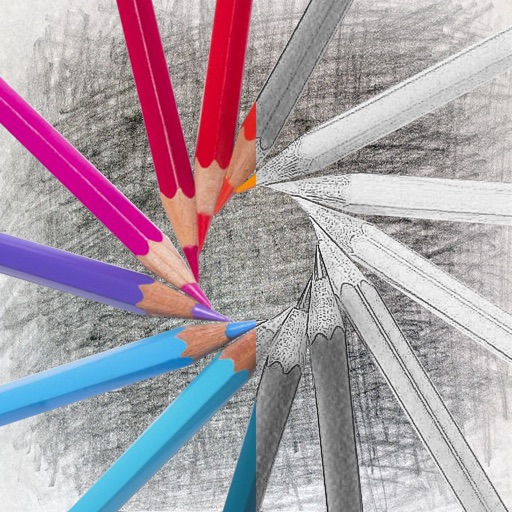
Edit images by detecting and highlighting contours to create pencil-drawing effects. Select photos from the device library or capture new ones. Apply the contour effect and view the resulting image on the screen.
by Luigi Fonti★ 1.01 ratingsPhoto & Video$0.99Data updated 2026-09-08
Draw sketches using brushes and tools with support for Apple Pencil. Create layered artwork and zoom for detailed painting. Import and export vector images in PDF, PNG, and JPEG formats. Use color or photo backgrounds. Save artwork for later.
The app transforms an image mapped to the complex plane using a complex function parser. Users can select predefined images or import their own, then export or share the resulting image.
Convert photos into sketches with tone drawing engine. Adjust pen color, size, and background. Generate strokes with transparent backgrounds. Save sketches in original size and colorize with original colors.
Select photos from gallery or photo library. Choose from numerous PIP frames. Use single image for both foreground and background or different images for each. Edit foreground and background separately. Apply photo filters.
Create collages with customizable blur backgrounds and adjustable layouts. Apply filters like black and white, vintage, and retro to enhance images. Edit photos by resizing, cropping, or deleting elements.
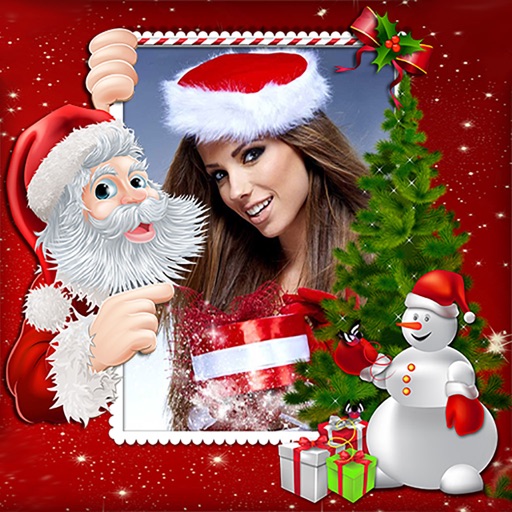
Create holiday e-cards by selecting from 40+ photo frame templates. Choose a photo from the gallery or camera. Apply effects to personalize cards. Save and share finished designs.
Add watermarks to photos and videos using logos, names, stickers, QR codes, or custom text. Apply watermarks to images and videos directly. Share marked content to social platforms. Add drawings, text, and GIF animations to media.
The app allows users to create glowing artwork with drawing tools and add animations. Users can save creations to their photo album or email them to friends.
Add a circular frame to Instagram or social media pictures. Choose from customizable borders like Instagram Story, Space, or Donut. Supports Facebook and Instagram Close Friends Stories. Apply borders to avatar images directly.
The app provides custom-designed drawing tools that simulate real art supplies. Users can share their creations or save them for later, with options for interaction through likes and following.
The app offers tools for photo editing, including frames, layouts, and effects. Users can adjust color balance, brightness, contrast, and saturation, and apply sharpening or blurring.
Solve puzzles by identifying hidden phrases in drawings. Choose from , Dangbits, Mr&Mrs, and Anagram formats. Request clues or collaborate with friends. Track progress through increasing difficulty levels. Learn idioms and wordplay through gameplay.
Create montages by selecting a character template and uploading a photo. Swap faces with a friend or use your own image. Apply detection to align your with the template. Share the final result.
The app reproduces the appearance of crayon art with an original drawing engine. Users can set photos as backgrounds and share artwork on social networks.
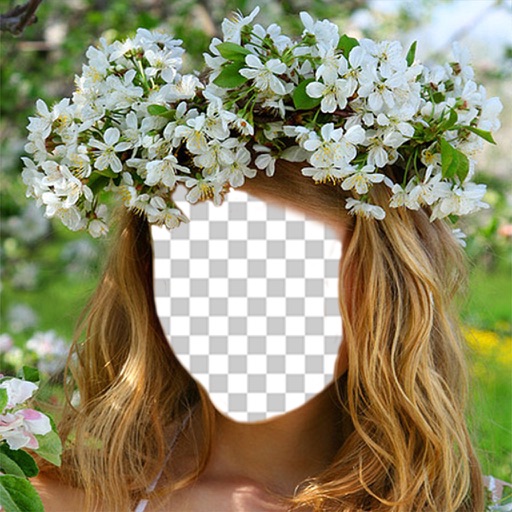
Faces allows users to overlay their on various funny images. Users can select from 12 categories and 300+ photos. They can take a selfie or upload an image and place their on the selected .
Edit photos with AI-powered lighting correction, exposure adjustment, and shadow detail enhancement. Retouch faces and bodies, experiment with makeup and hairstyles, and create collages or videos. Share edited content directly.
Draw and animate shapes, words, or objects with touch or drag gestures. Create dynamic, physics-based animations with varying strokes and speed. Save or share artwork. View sample art displays.
Turn photos into drawings, cartoons, or sketches with one click. Apply various effects including black strokes, white strokes, pastel, and halftone. Adjust edge strength, opacity, contrast, brightness, and saturation.