Create images from text by selecting words to form pictures. Choose color, halftone, or black-and-white styles. Upload photos to generate word-based images. Save and share the resulting artwork.
by Boris Glazer★ 0.00 ratingsGraphics & Design$24.99Data updated 2026-09-08
Convert photos to Anime-style art with AI-powered image transformation. Adjust color tones, add whimsical effects, and export results. Share generated images directly or save for later.
Browse and download 4K-HD with daily updates. Search by categories like 3D, abstract, animals, and space. Edit to add blur effects or create custom designs. Share or set as home screen.
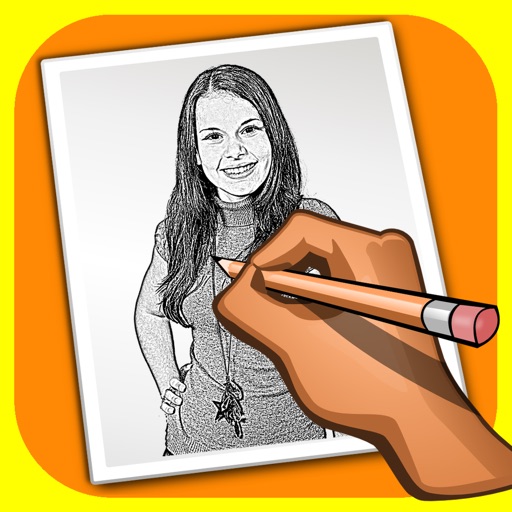
The app transforms user photos into pencil drawings with a sketch shine effect. Users can apply this filter to images captured with the device's camera.
Create digital artwork using AI by entering prompts and selecting from expert- styles. Browse dozens of results without ads. Generate images with Stable Diffusion-based AI technology. Receive four unique free results on first use.
The app wirelessly transfers images from various Wi-Fi enabled cameras and cards to an iOS device. It analyzes image metadata and provides warnings based on user-defined rules, with options for editing and sharing photos.
Add filter effects to photos by importing from the library or using the camera. Save favorite for quick access. Adjust brightness, contrast, and saturation. Export edited photos in various formats.
Edit photos by adding , adjusting text size and position, and selecting fonts. Choose from a variety of quote categories and customize layouts. Save and share edited images directly.
The app offers over 70 full resolution images of nature landscapes and wildlife. Users can download images to their library for personal use, including wallpapers and school projects.
Photo montages, collages, and custom . Edit images by erasing, changing, or adding backgrounds. Cut people from photos and place them on new images. Add personal photos and decorate with fun .
Edit by blending images from the gallery or combining them with existing templates. Adjust exposure and color to create double exposure effects. Save and share the final edited image.