Create and manage albums. Import and export from the photo . Preserve and view Exif data including date, ISO, and GPS. Search by caption or description. Create slideshows and play videos. Edit with cropping, orientation adjustments, and filters.
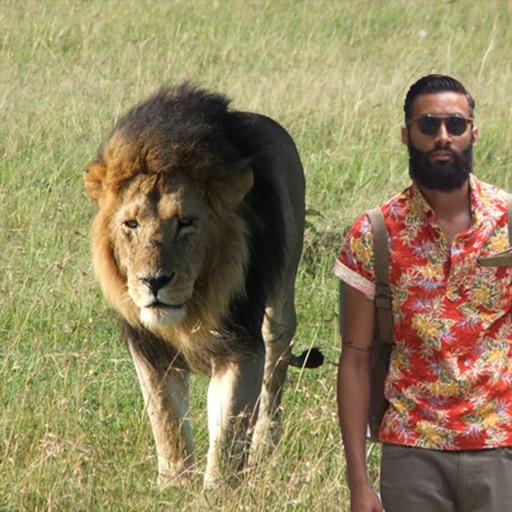
Select a monument from the collection. Crop a photo by pressing the silhouette button. Draw the desired area your finger to cut out your figure. Position yourself within the chosen image section.
Online to TV with HD support up to 4K. Stream video directly without mirroring. Supports Chromecast, Roku, Fire TV, Apple TV 4th Gen, and Samsung TVs from 2018. Blocks spammy popups and manages multiple browser tabs.
The app allows users to manage private photos, videos, messages, and files. It supports viewing and editing various document formats and playing audio files.
Watch movie trailers and related videos. Search for films by title or genre. Access movie details including ratings, cast, and release dates. Download for offline viewing. Purchase or rent films directly through a linked store.
The app provides tools for iPhone photography, including exposure and lens details, image size, color space, and pixel-level magnification. It also offers color sampling, histograms, photo location, capture time, camera details, and IPTC information.
With filters, cropping, and adjustment tools. Apply beauty enhancements and double exposure effects. Use color splash and resize images. Access frames and story templates. Change resolution and export in multiple formats.
Photos, slides, and negatives to create a digital library. Use AI to enhance and organize images. Share scanned items with others. Preview and edit basic scans within the .
Convert to PDF by selecting images and customizing layout, margin, page orientation, and paper size. Preview the PDF album before saving, sharing via email or SMS, or printing.
Select photos from gallery or photo library. Choose from numerous PIP frames. Use single image for both foreground and background or different images for each. Edit foreground and background separately. Apply photo filters.
Edit photos with seasonal frames and nature effects. Select images from the gallery or take new photos. Apply filters and effects to enhance visuals. Save and share edited photos directly.
Enhance and restore old photos using AI image processing. Adjust clarity, color, and brightness. Remove blur and repair damaged areas. Convert black and white photos to color. Export edited images in various formats.