
iPhone Screenshots


Description
Create images from text by selecting words to form pictures. Choose color, halftone, or black-and-white styles. Upload photos to generate word-based images. Save and share the resulting artwork.
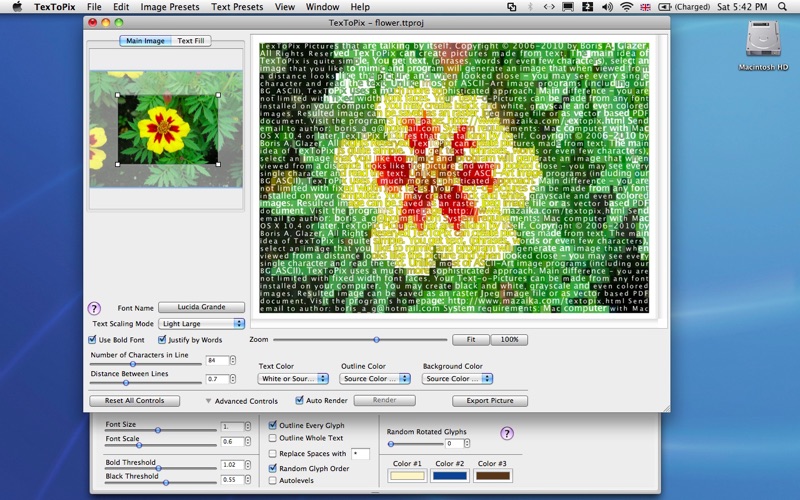
They say a picture is worth a thousand words. Well, it doesn’t have to be one or the other any more. TexToPix enables you to convert your pictures into images made from the words of your choice. How about an image of your one true love made from the words of the Elizabeth Barrett Browning’s poem “How Do I Love Thee? Let Me Count the Ways…”? Or an image of your personal hero made from the words of that hero that have inspired you?
TexToPix lets you create color, halftone or black-and-white images composed from the text of your choice. The images appear like the original picture when viewed from afar, but up close the words making up the picture can be clearly read. The application is highly interactive and easy to use, with immediate preview updates of the images possible with each setting change. There are lots of presets to provide all the settings for a particular type of image in one click. The images created from TexToPix projects can be saved as raster JPEG images or as vector-based PDF files.