Create images from text by selecting words to form pictures. Choose color, halftone, or black-and-white styles. Upload photos to generate word-based images. Save and share the resulting artwork.
by Boris Glazer★ 0.00 ratingsGraphics & Design$24.99Data updated 2026-09-08
Generate AI art from text inputs to create custom wallpapers. Choose between free and premium wallpapers. Set as home or lock screen. Edit and customize art. Share wallpapers with others.
Edit photos with AI-powered tools, object removal, and background changes. Apply artistic styles and one-tap enhancements. Export edited images in multiple formats and share directly.
Image backgrounds quickly by uploading single or multiple files. Automatically detect and backgrounds in seconds. Adjust background color, make it transparent, or replace with a solid color. Save or share edited images directly.
The app automatically corrects color balance and exposure with the option to fine-tune adjustments. It allows users to convert images to black and white or sepia tones and supports Wide Gamut displays.
Resize images to dimensions without aspect ratio constraints. Import, adjust output size, and export immediately. Use presets for batch exports. Supports screenshots for Xcode, Instagram, Facebook, Store, and personal use.
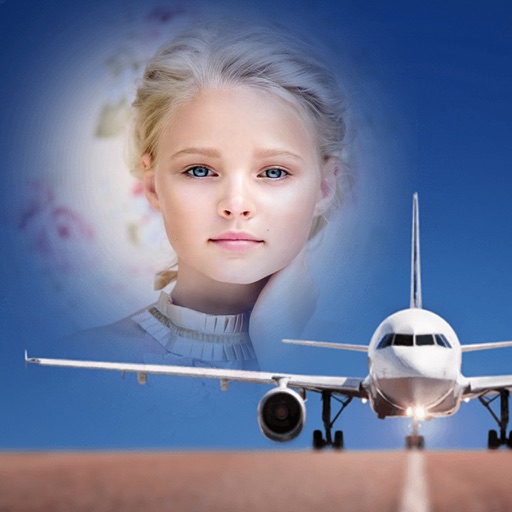
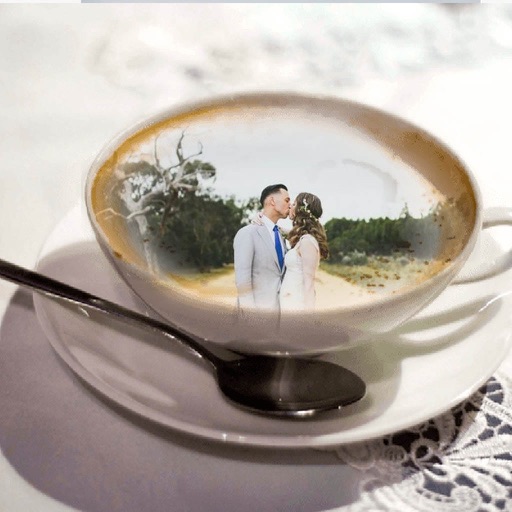
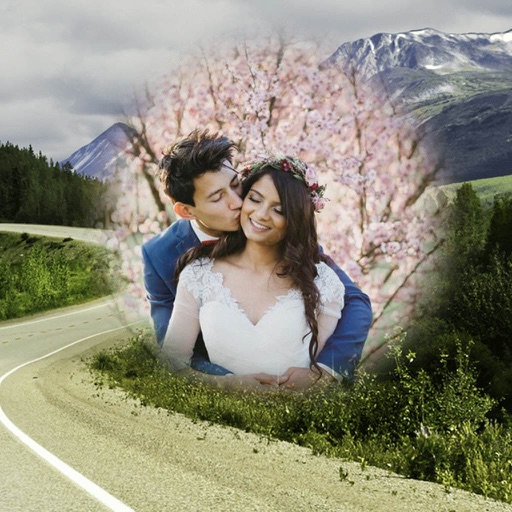
Edit photos by selecting from the gallery or using the camera. Apply multiple and effects. Adjust position, size, and angle. Save, share, or upload images to social networks like Facebook and Twitter.
Edit photos with AI-powered tools like Magic Eraser and AI Background Changer. Remove unwanted elements, generate images, and enhance photos without manual adjustments. Create studio-quality edits and share directly.
Turn photos into paintings using 30 brush presets and 500+ bitmap brushes. Adjust stroke settings including size, rotation, shadow, and opacity. Support layers and import Photoshop brushes. Export and share edited artwork.
Switch between main and front instantly for dual perspective shots. Capture high-definition images with the main camera and creative angles with the secondary lens. Record detailed scenes for portraits, landscapes, and close-ups.
Edit photos by selecting from the gallery or using the camera. Apply multiple and effects. Adjust image position, size, and angle. Save, share, or upload to social media platforms like Facebook, Twitter, and email.
Edit photos by selecting from the gallery or capturing with the camera. Apply multiple and effects. Adjust position, size, and angle. Save, share, or upload images to social media platforms like Facebook, Twitter, or email.
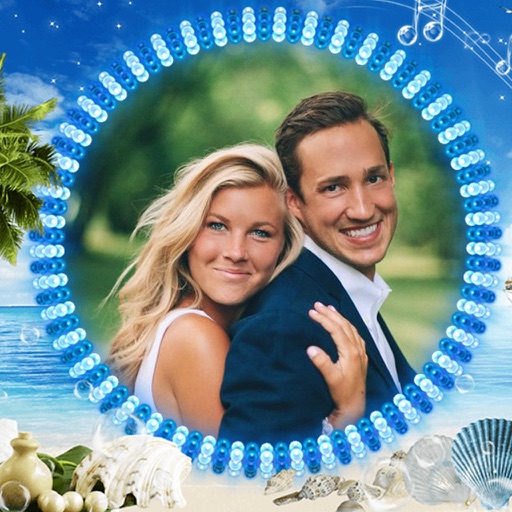
Edit photos by selecting from the gallery or using the camera. Apply various frames and effects. Adjust position, size, and angle of images. Save, share, or upload photos to social networks like Facebook and Twitter.
Edit photos with customizable and PIPs. Add stickers and create collages. Choose from global landmarks as backgrounds. Save and share edited images directly.