Pocket Photo
LG Electronics
Print and share magical moments instantly.
The app allows users to print photos from their smartphone. Users can also decorate their pictures with various accessories and icons.

Enhance images with color effects
Allows users to convert images to black and white while emphasizing specific objects or colors. Users can open existing images or capture new ones with the camera. They can zoom and pan using two fingers or paint with one finger.
Showing 181–200 of 1,000 ranked alternatives.
LG Electronics
Print and share magical moments instantly.
The app allows users to print photos from their smartphone. Users can also decorate their pictures with various accessories and icons.


炜春 唐
Create mindmaps with custom styles
Create maps with drag-and-drop editing and customizable styling options. Adjust fonts, colors, and shapes. Insert and crop images with filters. Share mindmaps via social media, .mmx files, or PNG images. Sync files across devices using iCloud.

福恩 毛
Create inverted color artwork fast.
The app allows users to create inverted color images and classic film negatives. It offers a live split preview, curated presets, and the ability to blend effects for various artistic results.

FANG Inc.
Post entire photos without cropping.
The app allows users to crop photos into a square shape for posting on Instagram. It supports both landscape and portrait orientations and offers various background options and effects.

Xu Ning
Customize Safari new tab background
Customize Safari's new tab page with selected images, local photos, or colors. Enable web dark mode to reduce screen brightness. Adjust appearance settings for enhanced browsing experience.

Matteo Morelli
Edit photos with filters, effects, and retouch
Edit photos with professional filters, effects, and frames. Retouch images with powerful tools like spot healing and color correction. Adjust brightness, contrast, and saturation. Crop, rotate, and apply stickers.
秀媚 严
Capture with signature and filters
Take with customizable filters for character, scene, mood, scenery, food, and black and white. Add handwritten signatures for personalization. Apply blur and dark angle effects. Share directly to social networks.
科峰 王
View, edit, and share tattoos
Create virtual tattoos on photos by selecting from 100+ black and white or 60+ color totems. Add text or captions and adjust position, rotation, size, font, or color. Save edited images to the photo library or share via social media.

彬 李
Edit photos, create collages, share instantly
Edit photos with filters, cropping, and adjustment tools. Add text, stickers, and borders. Create collages and share directly. Export in multiple formats. Sync with social media platforms.

泝诚 温
Photos with effects and frames
Photos by importing from camera roll. Apply effects and frames. Adjust brightness, saturation, and contrast. Crop, rotate, and straighten images. Add text, stickers, and draw. Sharpen, blur, fix red eye, remove blemishes, and whiten teeth.

FugaPiyo Inc.
Write, erase, and share notes
Write directly on the screen with smooth ink and customizable pen settings. Redo and undo actions are available. Delete all content with one tap. Share or save as an image. Use eraser and ruler tools. Dark mode is supported. All features are free.


奕才 杨
Images with precision and speed
Annotate and images with tools like line, dash line, curve line, arrow, rect, text, magnifier, spotlight, clip, blur, and mosaic. Switch tools quickly with swipe gestures. Create collages in 29 formats. Share annotated images directly.
Liam Sammy
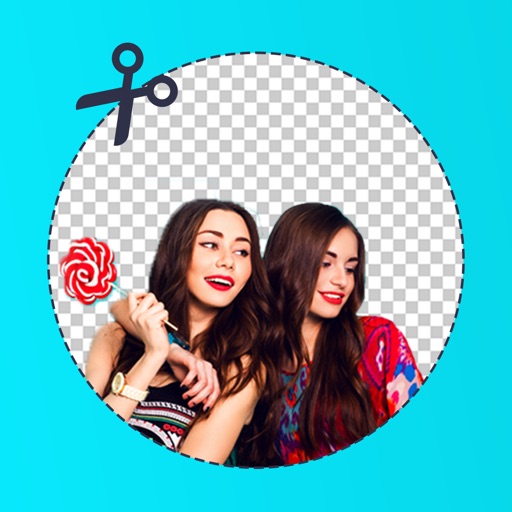
Edit photos and remove backgrounds automatically
Edit photos by removing backgrounds with mode, object extraction, and quick select tools. Use transparent backgrounds for stamps and collages. Share edited images directly with other apps.
Alexander Dr. Rieger
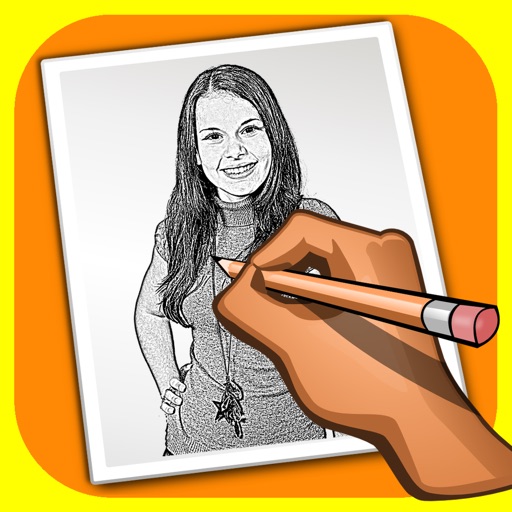
Turn photos into pencil drawings.
The app transforms user photos into pencil drawings with a sketch shine effect. Users can apply this filter to images captured with the device's camera.


Apps are ranked by functional similarity, category fit, rating confidence, and popularity.