
iPhone Screenshots
Description
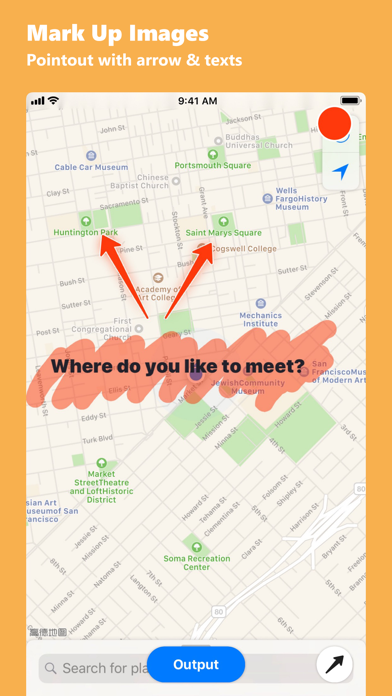
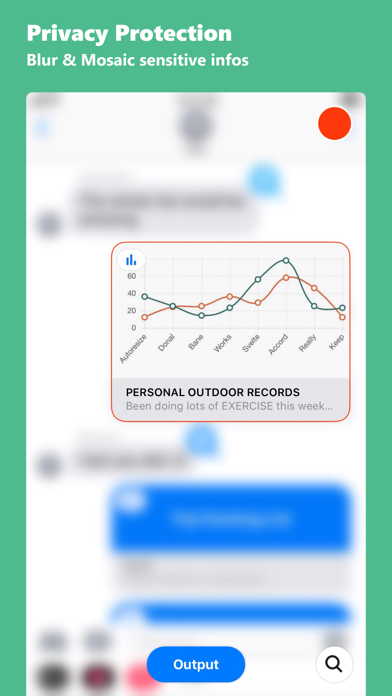
Annotate and images with tools like line, dash line, curve line, arrow, rect, text, magnifier, spotlight, clip, blur, and mosaic. Switch tools quickly with swipe gestures. Create collages in 29 formats. Share annotated images directly.
Annotate & Markup images ever faster and easier.
POWERFUL TOOLS:
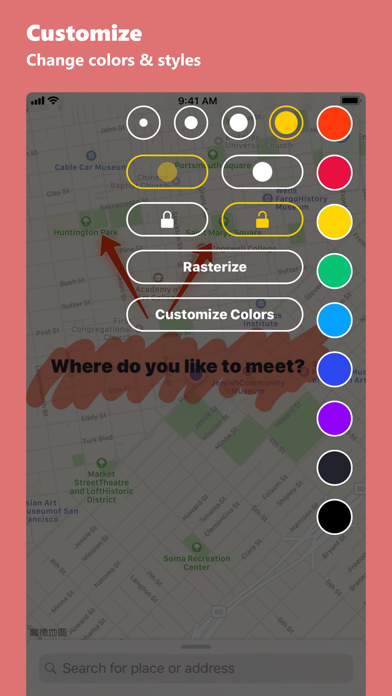
Annotate now including line, dash line, curve line, arrow, twins arrow, curve arrow, rect, text, magnifier, spotlight, clip, blur effect and mosaic tools.
DO FASTER & DO EASIER
It’s like using shortcut in Photoshop, switch tools ever fast on a touch screen, just one swipe, the tools will automatic expand, keep swiping to switch, then release your finger to select.
COLLAGE:
29 collage format bright up your photos.
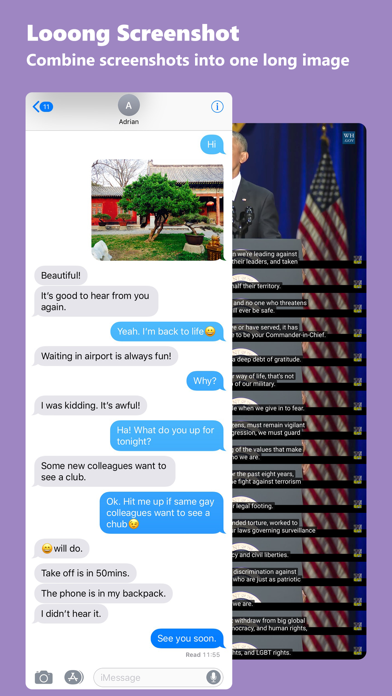
LONG SCREENSHOT:
Automatically combine your screenshots into one full content image.
SMALL WIDGETS, DOING A GREAT JOB
Preview, Delete your photos right on widgets page, and the network activity monitor shows your device network status, upload/download speeds, received/sent data, storage in real time.
ACTION EXTENSION:
Annotate an image before you share it.