
iPhone Screenshots


Description
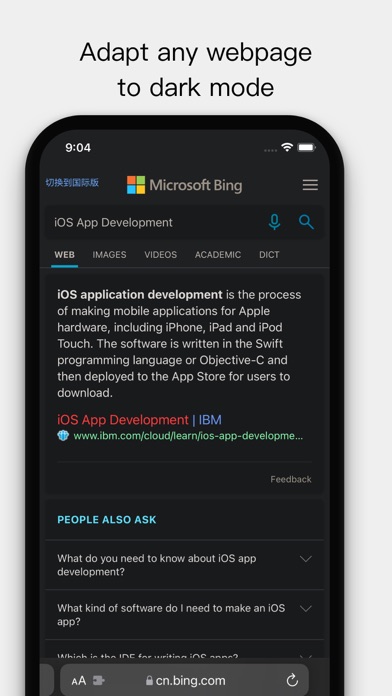
Customize Safari's new tab page with selected images, local photos, or colors. Enable web dark mode to reduce screen brightness. Adjust appearance settings for enhanced browsing experience.
PrettyWeb uses the latest iOS 15 Safari web extension function to bring you an elegant Safari web page experience.
- Customize New Tab Page
You can choose to set selected network pictures, local photos, or pure colors as the background of Safari’s new tab page. Come and try to set the favorite photos of idols and cute pets in your phone as the background image of new tab page.
- Web Dark Mode
Still having a headache for browsing the dazzling white web pages at night? PrettyWeb adapts all web pages to dark mode, and can even choose to follow system.
- Ad Blocker
Directly intercept network requests for advertisements, bring clean pages while saving network traffic.
If you have any suggestions or need help, please send an email to [email protected]