Edit photos by highlighting colors, removing or changing backgrounds, and blurring specific areas. Use healing and smoothing tools for precise adjustments. Create photo montages and export edited images directly.
Annotate images with tools like arrow, rectangle, circle, text, and magnifier. Import photos from library, camera, or map. Export with custom sizes and share. Customize colors, undo changes, and manage layers. Crop images and save history sessions.
Crop and trim clips, split or duplicate segments. Adjust position, rotate, or flip. Apply filters and customize background color. Merge videos and change playback speed for slow or fast motion.
Edit photos by removing objects with a magic eraser and auto-cutout tools. Adjust colors, apply filters, and enhance details. Save and share edited images directly.
Create photos without cropping. Edit images with filters, backgrounds, and layout adjustments. Make photo collages using hundreds of layouts. Share high-quality photos to social media platforms. Adjust ratios and add text for customization.
Blur image backgrounds to create effects. Select photos from gallery or capture new images. Apply multiple blurring tools to adjust blur intensity. Export edited photos to device storage.
Edit photos with facial adjustment tools for eyes, nose, lips, eyebrows, and jawline. Retouch skin, whiten teeth, and remove dark circles. Apply makeup with customizable options. Adjust backgrounds and export in multiple formats.
Edit with filters, stickers, and emojis. Create photomontages with built-in effects. Apply artistic tools for detailed edits. Add with customizable fonts and colors. Export and share edited images directly.
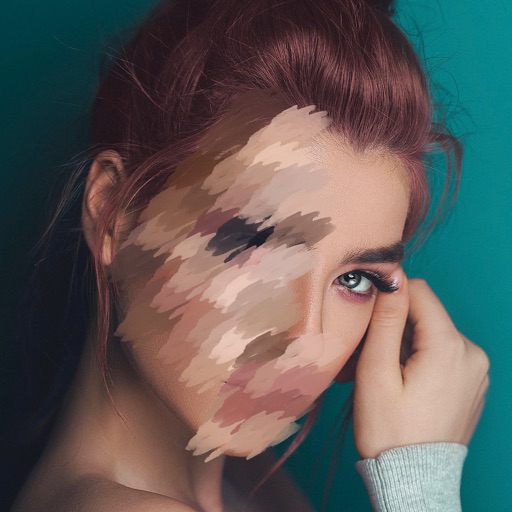
Edit videos to obscure sensitive details like faces, eyes, and license plates. Apply pixelation or with a single tap. Work locally without cloud storage. Save and share edited videos directly.