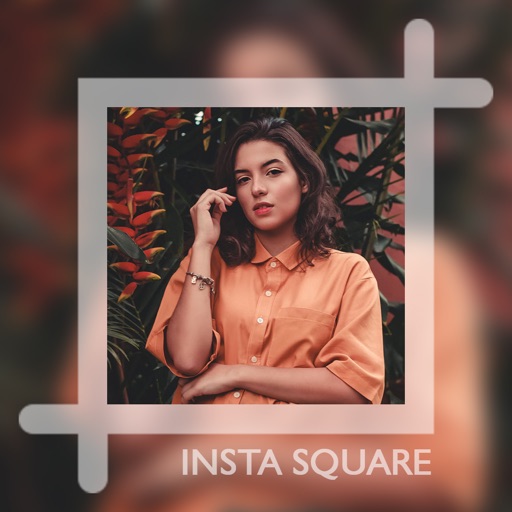
Create photos without cropping. Edit images with filters, backgrounds, and layout adjustments. Make photo collages using hundreds of layouts. Share high-quality photos to social media platforms. Adjust ratios and add text for customization.
by 睿 刘★ 4.6604 ratingsPhoto & VideoFreeData updated 2026-09-10
Edit photos to full size on Instagram . Stretch edge pixels to fill gaps. Choose from blur, mosaic, color, and pattern backgrounds. Take photos directly or import from gallery.
Create collages with customizable blur backgrounds and adjustable layouts. Apply filters like black and white, vintage, and retro to enhance images. Edit photos by resizing, cropping, or deleting elements.
Edit photos with enhancement tools, effects, and color splash. Add stickers, frames, and overlays. Create collages and custom drawings. Crop, rotate, flip, and straighten images. Adjust brightness, contrast, and saturation.
Create collages by arranging photos in a . Choose from multiple templates and effects. Adjust layout, add text, and apply filters. Export collages in high definition and share directly.
Edit photos with filters, filter mix, and creative shape effects. Apply mirror and mask tools. Create photos without cropping. Design grids and add funimate effects. Share directly to Instagram.
Create collages with 64 layouts and custom difference templates. Add photo frames, stickers, captions, and text with font options. Edit backgrounds and export finished collages.
The app allows users to post entire photos on Instagram without cropping. It offers a colorful background option and direct sharing to Instagram, Facebook, and X.
Edit photos with HSL adjustments for precise color control. Resize images to fit various frame ratios or remove frames. Add blur effects to backgrounds. Create collages from multiple photos. Apply filters, crop, and adjust brightness and contrast.
Create collages from photos and videos for social media posts, stories, and thumbnails. Edit videos with trimming and grid layout options. Add blurred backgrounds without cropping. Share content directly to platforms like Instagram and TikTok.
Edit photos with 200+ filters and AI art effects for enhanced visuals. Adjust brightness, contrast, and saturation. Add text, stickers, and animated effects. Export in various formats and share directly. Apply AI flash for vintage aesthetics.
Edit photos with filters, cropping, and brightness adjustments. Add text, stickers, and drawings. Remove blemishes and whiten smiles. Create collages with multiple layout options. Export in various formats and share directly.
Edit photos with filters, light overlays, and aesthetic design elements. Crop, resize, and add borders or shapes. Create collages with multiple layout templates. Include stickers and share edited images on Instagram or Facebook.
Edit photos and videos with move, rotate, scale, flip, and custom adjustments. Apply unique filters, effects, borders, and frames. Add text and stickers. Share full-size content directly to and other social platforms without cropping.