Create vector art using Bézier tools and Apple Pencil. Convert sketches or photos to SVG format. logos, icons, illustrations, and UI assets. Export vector files for production use. Refine curves and edit vector drawings directly.
The app uses an automatic colorization technique based on scribbles to change object colors in photos. Users can mark parts of an image with any color and the app will apply the changes.
Convert black and white images to using selective recoloring. Select photos from the gallery or capture new ones. Pan and zoom for precise editing. Resize and fit images to the screen. Use redo and undo features for error correction.
Allows users to convert images to black and white while emphasizing specific objects or colors. Users can open existing images or capture new ones with the camera. They can zoom and pan using two fingers or paint with one finger.
Determine RGB, HSV, and Hex values for any color. Tap on a photo to extract color values. Adjust red, green, and blue sliders to customize colors. Edit values directly and view calculated results. Use grayscale meter to find neutral color mixes.
Create and edit drawings using various tools like Pen, Line, Arrow, Rect (Stroke/Fill), Ellipse (Stroke/Fill), Eraser, and Text. Choose from multiple colors including Black, Red, Green, Blue, Yellow, and more. Save or share drawings directly.
With filters, cropping, and adjustment tools. Apply beauty enhancements and double exposure effects. Use color splash and resize images. Access frames and story templates. Change resolution and export in multiple formats.
Create art with hand-drawn illustrations by Olivia De Bona. Choose from 50+ exclusive designs. Use tools to , sketch, and customize images. Save and share completed artwork. Adjust brush size and opacity for detailed work.
Create illustrations, logos, and UI designs with precise drawing tools. Import and edit graphics. Organize projects in workspaces. Export in multiple formats. Collaborate in real-time with others. Adjust colors, shapes, and layers.
Create realistic artwork with pencil, brush, pen, and marker tools. Import images as layers and edit with eraser, ruler, compass, and other tools. Add stickers and use layer management for detailed painting and design.
Edit photos by blurring backgrounds, faces, or specific subjects. Apply various effects and filters. Save edited images to the camera roll or share them directly.
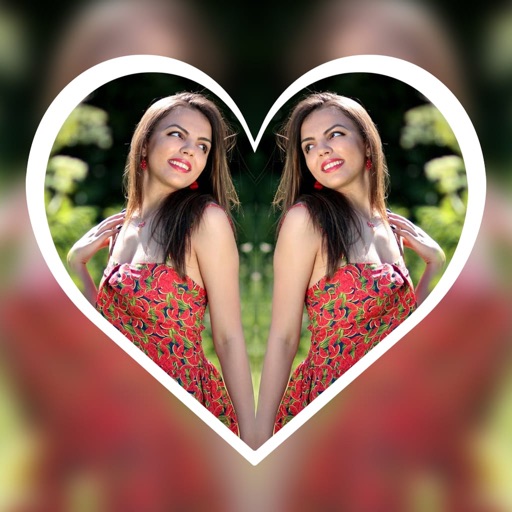
Create reflection effects with left-right, up-down, or repeat options. Apply effects and designer frames to enhanced images. Select from gallery or capture new photos for editing. Export and share edited images.
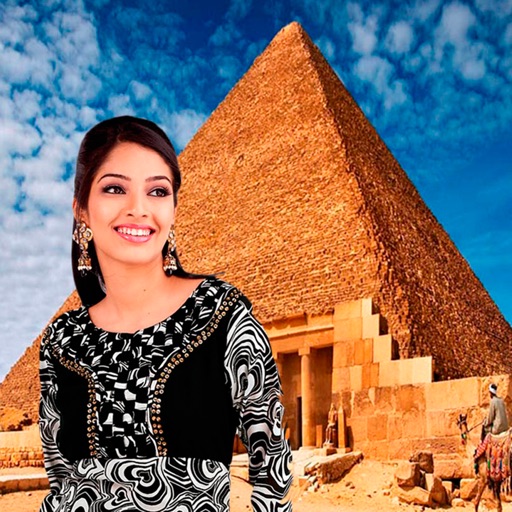
Select a monument from the collection. Crop a photo by pressing the silhouette button. Draw the desired area your finger to cut out your figure. Position yourself within the chosen image section.