
Depello - color splash photos
Northmind AB
Tap to highlight colors
Convert to grayscale and highlight a specific . Tap to select the to emphasize. Preserve detail and apply effects using advanced computer vision. Export edited images directly.
Showing 1–20 of 1,000 ranked alternatives.
Northmind AB
Tap to highlight colors
Convert to grayscale and highlight a specific . Tap to select the to emphasize. Preserve detail and apply effects using advanced computer vision. Export edited images directly.

Alessandro Graziani
Create and share custom Story templates
Edit images with brightness, contrast, and other adjustment tools. Import photos and place them in customizable Story templates. Create gradients and use the dropper tool to match colors. Share edited content directly to Instagram .
Eskil Gjerde Sviggum
Try dithering methods and share your images
Convert images to vintage color palettes of old computers like IBM PC, Apple II, or Game Boy. Apply dithering methods including Floyd-Steinberg, Atkinson, and Bayer. Share edited images with others.

Iftikher Sultan
, add frames, create stories
With filters, cropping, and adjustment tools. Apply beauty enhancements and double exposure effects. Use color splash and resize images. Access frames and story templates. Change resolution and export in multiple formats.

Ganesh Nayak
Apply effects to photos
Convert photos to grayscale and selectively specific areas using finger touch or custom colors. Draw with zoom and rotation for precision. Use a magnifier for detailed work. Undo mistakes or redraw in grayscale. Export edited images.

SUNWOONG JANG
With taps
Backgrounds from images with precise touch or auto-target tools. Maintain transparency for use in apps like Keynote or Pages. Edit pixels for accuracy and erase or restore specific areas.


Pixelcut Inc.
Edit photos and remove backgrounds
Edit photos with background removal tools, AI-generated backgrounds, and color changes. Remove and replace backgrounds instantly. Add text, stickers, and filters. Export edited images in various formats.

HIDEHIKO NAGANO
Create pixel art for beads easily.
The app allows users to create pixel art for iron-on beads and bead stitching. It supports importing and scanning photos into a pixel art canvas with adjustable sizes and various bead shapes.

Solution Cat Limited
Recolor photos and images
Convert black and white images to using selective recoloring. Select photos from the gallery or capture new ones. Pan and zoom for precise editing. Resize and fit images to the screen. Use redo and undo features for error correction.

PIXOCIAL TECHNOLOGY (SINGAPORE) PTE. LTD.
Edit photos and videos with AI retouch
Edit photos and videos with AI retouch for detailed skin enhancement and blemish removal. Adjust lighting, color, and composition. Add text, stickers, and filters. Export in various formats and share directly.

金鹏 王
Add grids to images and customize styles
Add grids to images with 5 types including rectangle and square options. Customize lines with RGB colors. Adjust rows and columns or set row height and column width. Export edited images.


Roman Sevastyanov
Explore wheels in one place
Explore wheels in digital, abstract, and classic formats. Select colors using a camera or image. Adjust hues and values. Create combinations. Use AR stencil for proportion marking. Save and share palettes.
Alexander Dr. Rieger
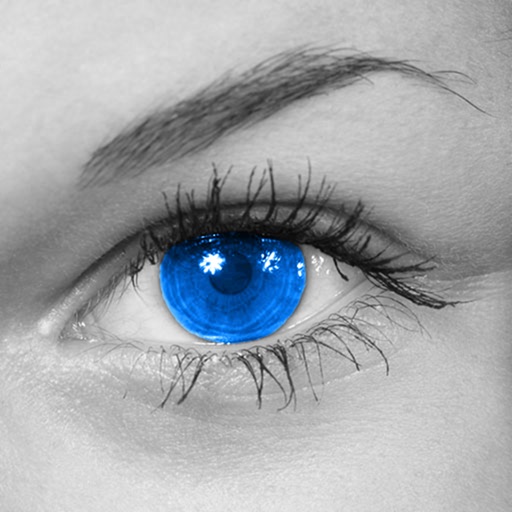
Make colors shine in photos.
The app converts photos to grayscale while allowing users to selectively recolor areas. Users can paint, zoom, and erase to create color splash images.


Ryouhei Azuma
Invert colors and create art
Invert colors to create unique visuals. Adjust and positive inversion settings. Save and share modified images directly.


Awais Choudhary
Add accent colors to photos easily.
The app allows users to add accent effects to photos. Users select colors to keep, turning the rest of the photo black and white.
Apps are ranked by functional similarity, category fit, rating confidence, and popularity.