Edit photos with multiple layers, blending modes, and masking. Adjust colors and brightness using adjustment layers. Apply brushes, smudge, warp, and effects. Add shadows and clarity. Export and share edited images.
Edit photos with AI-powered one-tap tools and auto-collage features. Create collages and design layouts using professional templates. Apply artsy effects to turn photos into paintings, cartoons, or sketches.
Create digital paintings with unique brushes and color chaos features. Use Color Jitter for textured effects and Fan Fill or Lasso Fill for quick color blocking. Paint outdoors or on the go with intuitive tools.
The app transforms photos into luminous watercolors in seconds. It offers expressive styles for portraits and landscapes, with print-quality export for frameable art.
Create paintings using emojis. Select from over 1600 emojis. Adjust size and other settings. Zoom in and out for precision. Works on iPhone, iPod Touch, and iPad.
Use text prompts to generate artwork. Choose an art style and let the AI a painting. Edit and refine the generated image. Share the final artwork directly.
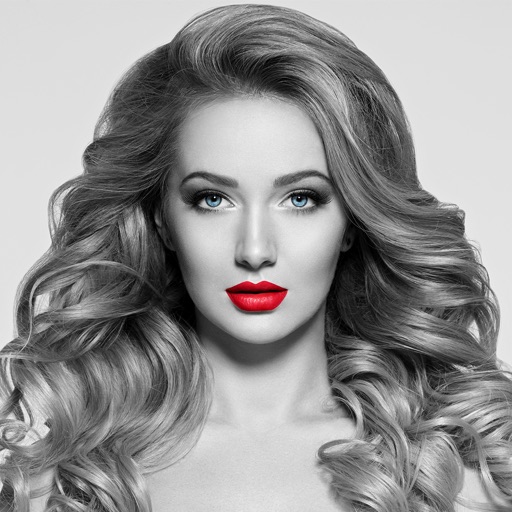
The app converts selected photos to grayscale, sepia, or custom colors. Users can then add color by painting over desired areas with their finger, utilizing paint and eraser modes.
Lets users adjust brightness and contrast to analyze tones in images. They can isolate light and dark areas to study shadows and highlights. Export grayscale versions for use in drawing or painting practice.
Edit by selecting from the gallery or taking a new photo. Adjust images to a square format. Add text with customizable fonts, colors, and borders. Move, rotate, and scale text. on with finger input.