
Write and paint on photos
Edit , add text, adjust layout
Mireia Lluch Ortola
iPhone Screenshots
Description
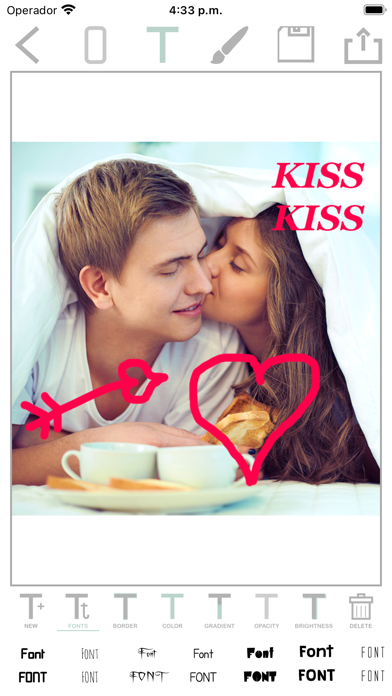
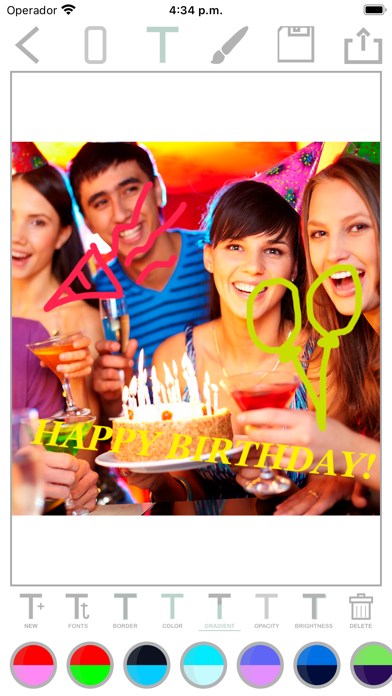
Edit by selecting from the gallery or taking a new photo. Adjust images to a square format. Add text with customizable fonts, colors, and borders. Move, rotate, and scale text. on with finger input.
HOW TO USE:
• Choose photos from your mobile gallery or take a new pic using your mobile camera
• Photos can be adjusted to workspace with square button.
• Select any font text, and move, rotate or scale the text. You can change the text color, add border, brightness, etc.
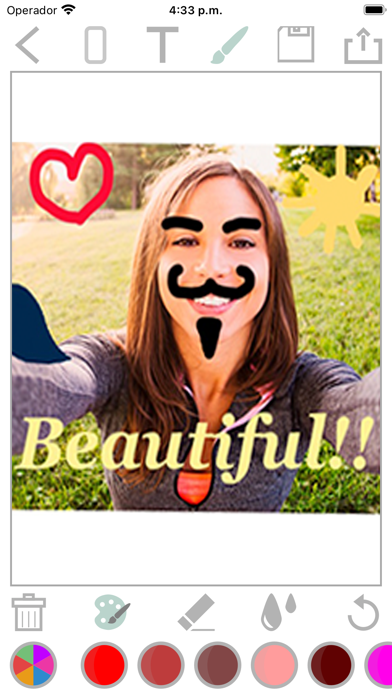
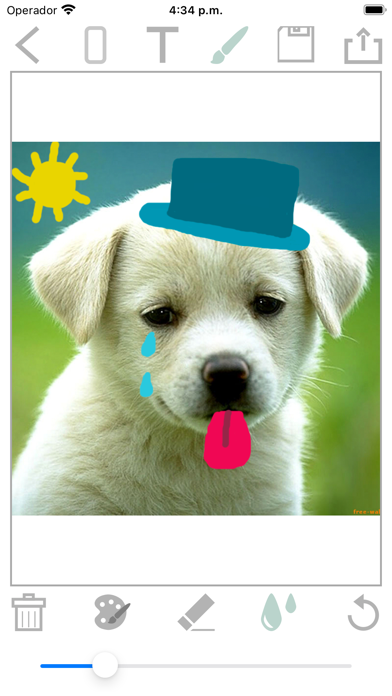
• You can paint on photo with your finger.
• You can save and share photos with your mobile's social networking apps
FEATURES:
• Free and easy to use.
• Friendly interface.
• More than 50 fonts.
• Several effects to apply to the text.
• You can add several texts in the same picture.
• Painting photo.
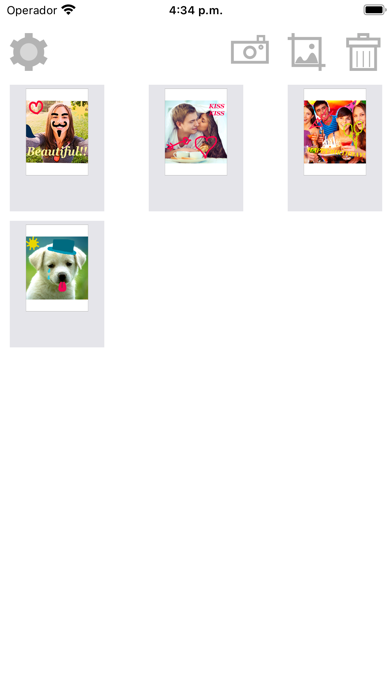
• You can save your work to continue later.
If you like it, please consider writing a positive review on the App Store. This will help us to add new features, fix any bugs, and improve implementation.