Create and edit digital notes with customizable styles and modes. Tap to clap the board, edit text, or lock the slate for temporary protection. Switch between nine different mode styles for varied note-taking experiences.
by 庆猛 邓★ 4.114 ratingsUtilities$2.99Data updated 2026-09-29
Edit photos with filters, effects, and tools. Crop, adjust brightness and colors. Add text and stickers. Share edited photos directly. Enhance images to appear beautiful and lively.
Create custom island and wallpapers for iPhone models. Import a photo as background, choose from over 80 styles, and save to album or set as . Adjust settings to personalize design.
Add unlimited to Home Screen and Lock Screen. Edit notes directly on . Customize appearance and set interactive elements. View notes instantly upon picking up the phone. Supports transparent and standby widget styles.
Convert handwritten notes into digital using OCR technology. Capture images of written with a stylus or finger. Edit and export converted . Share results via email or messaging apps.
Convert spoken words into written text instantly. Record speech and receive polished, ready-to-use text. Use for -taking, communication, and content creation. Edit and format text directly. Share or save text files.
Record audio in high-quality formats like M4A, WAV, and CAV. Edit recordings by renaming, trimming, or cutting. Convert audio to videos using photos. Secure content with an lock. Use preset modes for different needs.
Connect your smartphone to the printer via Bluetooth. Select and edit photos for printing. Choose between -Natural Mode for standard quality or -Rich Mode for vibrant colors. Use QR Print Mode to add QR codes to prints.
Convert text into images using AI-powered text-to-image generation. Select from diverse artistic styles. Edit generated images with built-in tools. Save and share final designs directly.
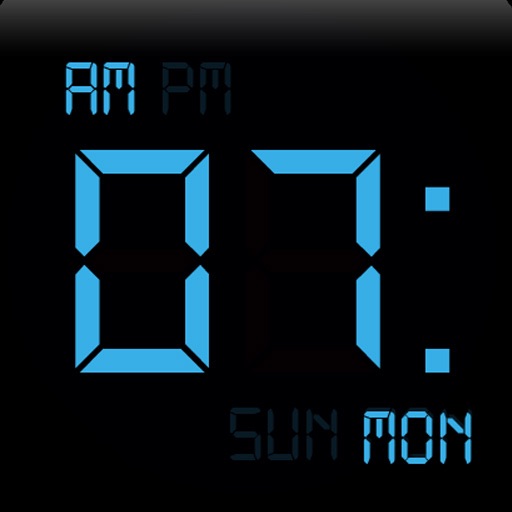
The app displays the time with 140 style options, including 28 color themes and 5 color fonts. It offers 12 or 24-hour modes, portrait and landscape viewing, and customizable clock styles and status settings.
Arthur Eduardo Skaetta Alvarez Desenvolvimento de Software LTDA.
Create GIFs from photos and videos
Create GIFs from photos, videos, or Live Photos. Edit existing GIFs on your phone. Share finished GIFs with a single tap. Adjust timing, add effects, and customize frames.
Edit videos with one-click effects and special FX. Apply various styles to videos. Export and share -edited videos directly. Adjust effects for different formats.
Edit by merging multiple clips, rearranging, and removing sections. Add multiple text messages with animation, custom fonts, and styling options including stroke, shadow, and background. Export final edits.
Edit photos with film-inspired filters, adjust color and contrast, and apply grain effects. Tap to switch between different aesthetic styles. Save and share edited images directly.
The app creates unlimited collages with a single tap using a SmartSorting algorithm. Users can import photos, select modes, and apply various styles, text, backgrounds, filters, and stickers.
Customize iPhone home screen with pre-defined and user-created widgets. Add contact and link widgets to lock screen for quick access. Extend functionality to lock screen. Personalize home screen layout with hundreds of combinations.
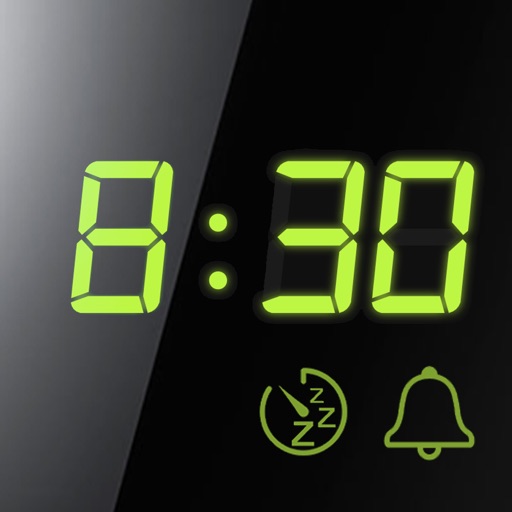
Set alarms with customizable time modes and iTunes music. Choose from six nature sounds. Adjust snooze duration and brightness. Use a bedside clock with a . Add or delete alarms via swipe or tap.
Record voice or import audio/video files for offline transcription. Transcribe meetings, lectures, and ideas without internet. Import from Photos, Voice Memos, WhatsApp, and extract subtitles. Lock screen widget for quick access.