
iPhone Screenshots




Description
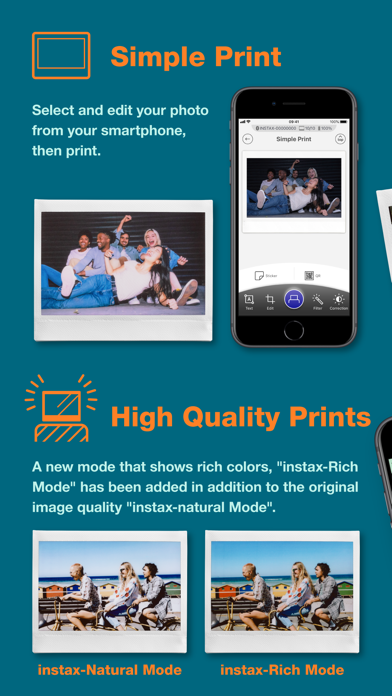
Connect your smartphone to the printer via Bluetooth. Select and edit photos for printing. Choose between -Natural Mode for standard quality or -Rich Mode for vibrant colors. Use QR Print Mode to add QR codes to prints.
This app is exclusively for Fujifilm instax Link WIDE printer.
You can enjoy the following functions by connecting the instax Link WIDE and this application via Bluetooth.
1. Simple Print
Select and edit your photo from your smartphone, then print.
2. Enhanced Quality Prints
Print your photos just the way you like, whether it's with the conventional photo quality of "instax-Natural Mode" or the new "instax-Rich Mode", which features extra-vibrant color.
3. QR Print Mode
Add richness to the moments that matter most with a QR code.
4. Editable Template Print
Change the colors and text on a variety of templates . It's easy to create a template all your own!
5. Collage Print
Print images with multiple photos.
6. Various Stickers
Decorate your photos with unique stickers!
7. Sketch, edit & print
Import and add your sketches or text to your photo, then print!
[Supported OS]
iOS16.0 or later