
Classic Mac
Apple Inc.
Apply stickers to messages and images
Add stickers to messages, bubbles, or images. Peel and place stickers directly in conversations. Customize with retro designs from the 1984 era. Share sticker packs with contacts.

Showing 81–100 of 1,000 ranked alternatives.
Apple Inc.
Apply stickers to messages and images
Add stickers to messages, bubbles, or images. Peel and place stickers directly in conversations. Customize with retro designs from the 1984 era. Share sticker packs with contacts.

CHELM PRODUCTIONS LLC
Peel and paste and emojis
Create and send by combining "Yes" and "No" or pairing with emojis. Peel and paste within iMessage. Share custom combinations with contacts.
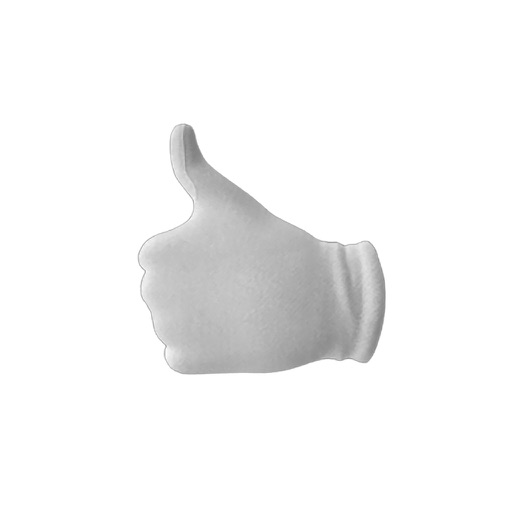
Apple Inc.
React with animated hand emojis
Use animated hand emojis to express approval or disapproval. Place stickers on messages, images, or other stickers in conversations. Customize placement and interact with animated effects.

nomtasticapps, LLC
Add to messages and photos
Create and customize for iMessages. Add animated bubble effects and layer with friends. Change sticker size and place over messages, photos, or other . Use expressive and funny sticker packs.




Sesame Workshop (Apps)
Stick to the rules
Add to messages, photos, and images. Place inside bubbles or over other . Choose from 60+ themed . Include happy, sad, silly, and nostalgic expressions. Support voice labels for accessibility.



Daniel Storm
Place on messages and images
Create and customize for iMessage conversations. Use markup tools to censor, blackout, or redact content. Resize and rotate before placing them. Share across messages and personalize with over 70 designs.



Pavel Dubov
Add stickers to messages and images
Add to message bubbles in conversations. Adjust sticker size and angle. Place on images or other stickers. Share directly within iMessage.

Rovio Entertainment Oyj
Send in iMessages
Add characters as to iMessages. Choose from Red, Chuck, Bomb, Matilda, Stella, Hatchlings, and Pig butts. Express emotions like excitement, frustration, or cuteness with animated . Share reactions without typing.




Scott Gresham
Add to your messages
Add to messages by tapping. Place on top of message bubbles or photos by tapping and holding. Layer in conversations. Scale and rotate using a second finger before placement.
Apps are ranked by functional similarity, category fit, rating confidence, and popularity.