Rat Stickers: Pizza, Burger...
Add stickers to messages and images
Pavel Dubov
iPhone Screenshots

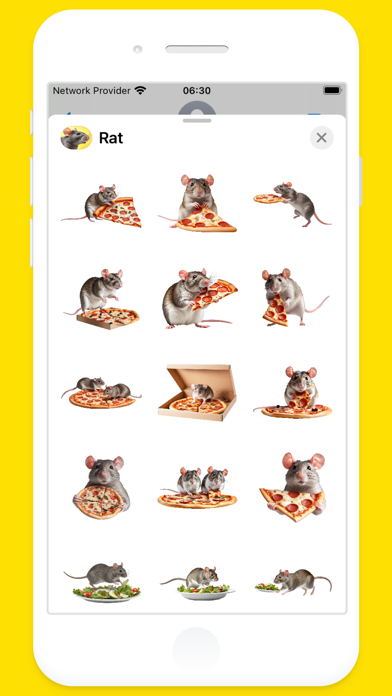
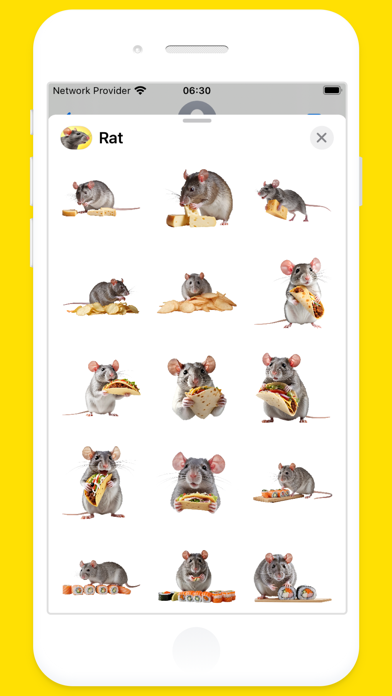
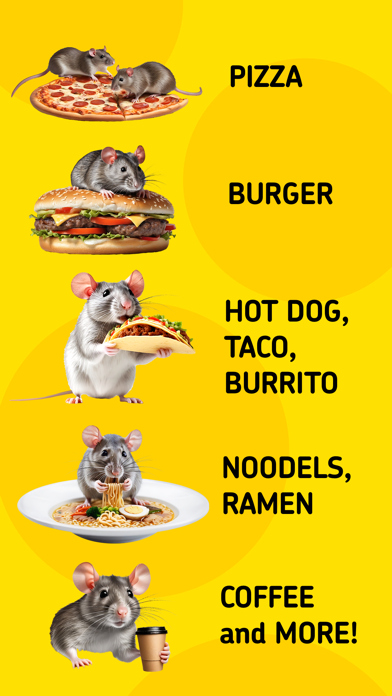

Description
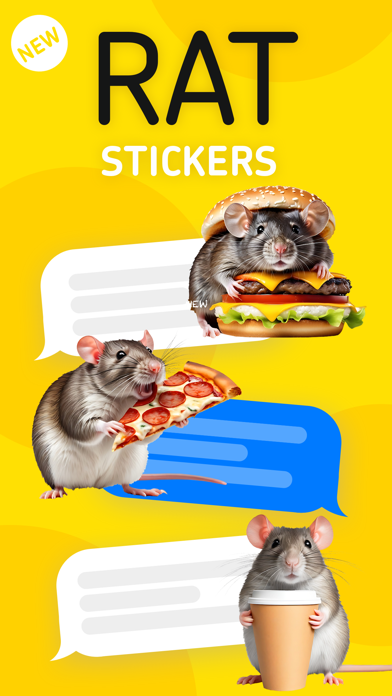
Add to message bubbles in conversations. Adjust sticker size and angle. Place on images or other stickers. Share directly within iMessage.
OMG! Rat Stickers for iMessage!
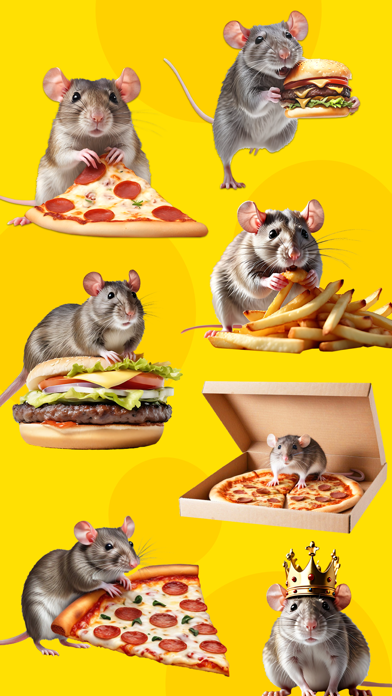
Put hillarios rats on anything with this sticker pack.
You can peel and place these stickers on anything in your conversation — bubbles, images, or even other stickers.
HOW TO USE:
1. Open the Messages app, then start a new message or open a conversation.
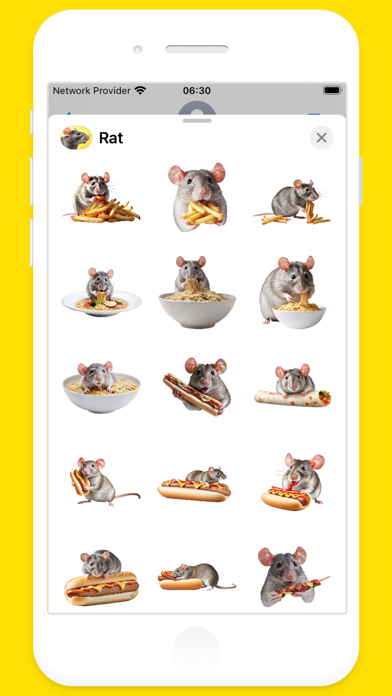
2. Tap the Apps button (on iOS 17 tap (+) button), select Rat Stickers
3. You can add Rat Stickers on message bubbles in conversations, and angle the stickers or make them different sizes. You can also place a sticker on top of another sticker.
MOVE, RESIZE or DELETE stickers:
1. After you place a Rat Stickers on top of message bubbles in conversations, you can make changes to it.
2. Do any of the following:
- Move or resize a sticker: Touch and hold the sticker, then make any changes.
- Delete a sticker: Touch and hold the message bubble, tap Sticker Details, swipe left on the sticker you want to delete (on your iPhone only), then tap the Delete button.
- See any text covered by a sticker: Double-tap the message bubble.