
iPhone Screenshots
Description
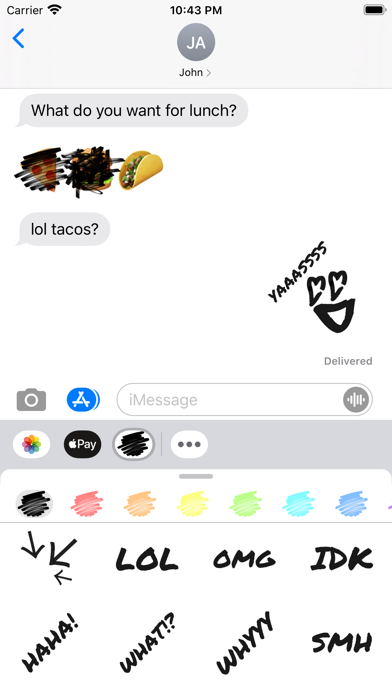
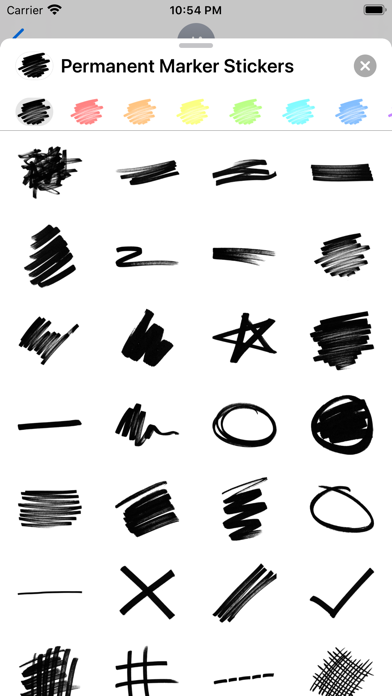
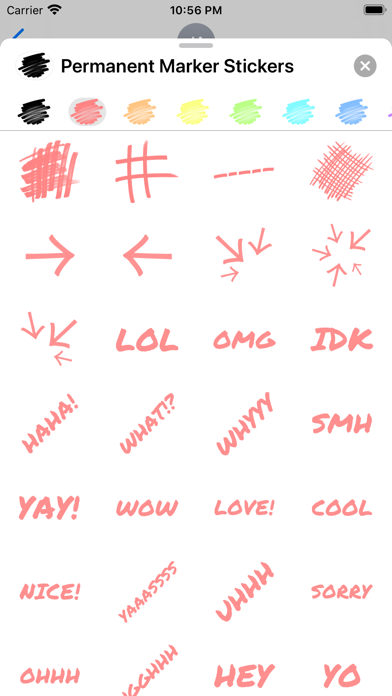
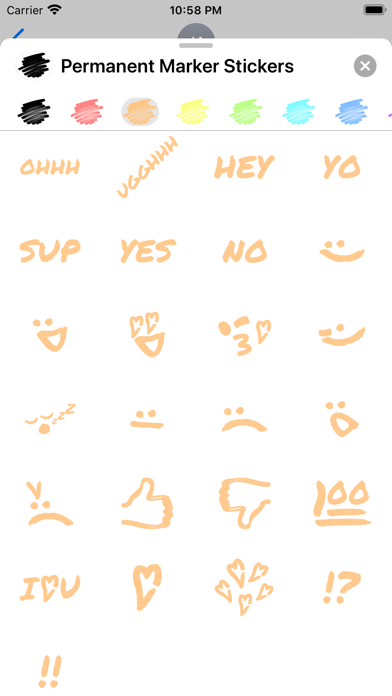
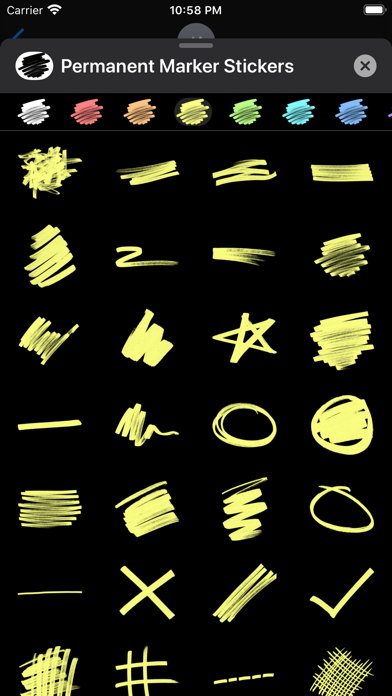
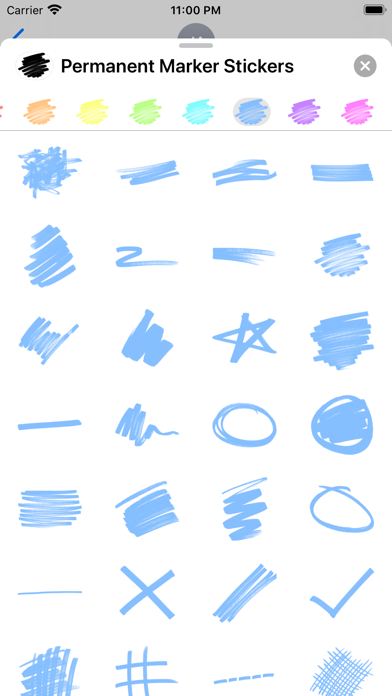
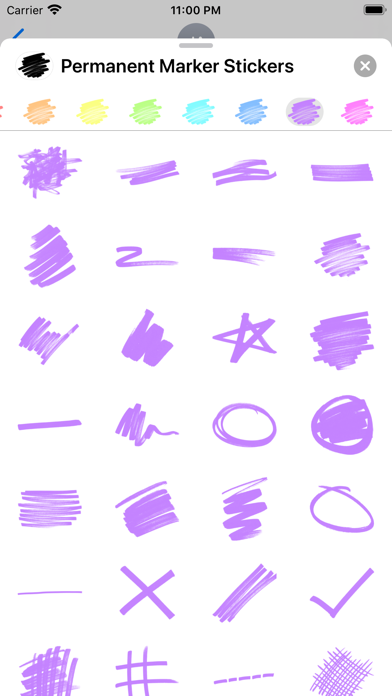
Create and customize for iMessage conversations. Use markup tools to censor, blackout, or redact content. Resize and rotate before placing them. Share across messages and personalize with over 70 designs.
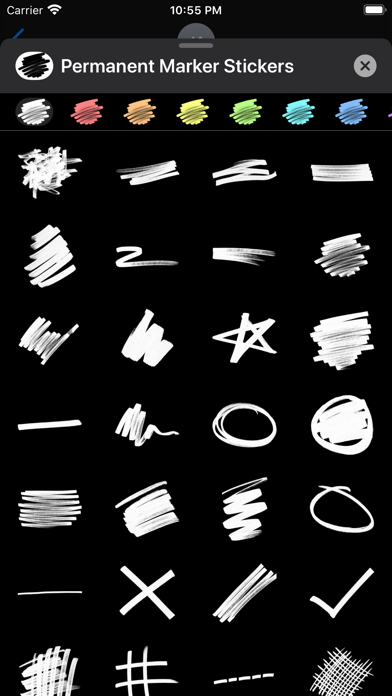
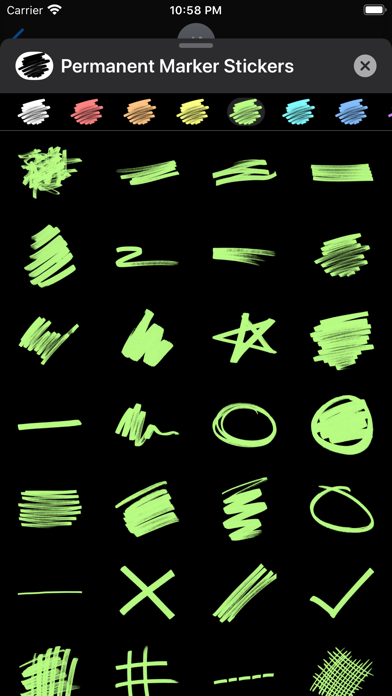
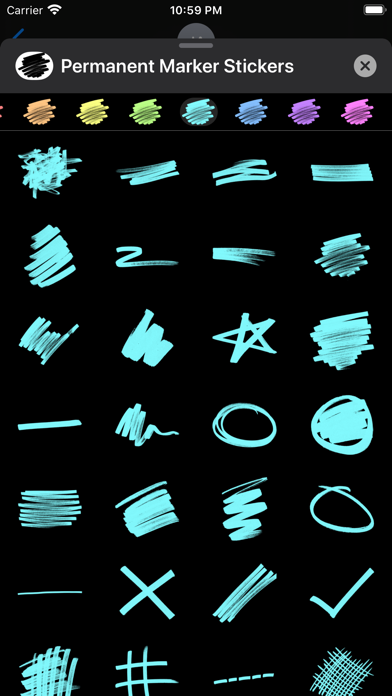
Markup, blackout, censor, redact, express yourself, and leave a lasting impression with Permanent Marker Stickers for iMessage! Includes over 70 different stickers that you can peel and place on anything in your iMessage conversations.
To place a sticker over a message or picture, long press on a sticker, and then drag and drop it where you want it. You can also rotate and resize stickers before dropping them by pulling apart with two fingers.
If you enjoy using Permanent Marker Stickers, please take a moment to leave a review in the iMessage App Store. Thank you for the support!