Create and send custom stickers by combining text and images. Add colored text in various hues. Overlay emojis on messages. Share stickers via iMessage. Customize sticker content by peeling and pasting text or images.
Create by typing text, selecting colors, and saving. Customize colors and design. Use for fun and engaging conversations. Share directly with messaging apps.
Add stickers to iMessage conversations with customizable sizes and positions. Overlay stickers on , images, or other stickers. Resize using pinch gestures. Share emotions and ideas through humorous and expressive effects.
Use animated hand emojis to express approval or disapproval. Place stickers on messages, images, or other stickers in conversations. Customize placement and interact with animated effects.
Add stickers to messages, bubbles, or images. Peel and place stickers directly in conversations. Customize with retro designs from the 1984 era. Share sticker packs with contacts.
Send by tapping to use as emoji or holding to peel and place on messages. Customize sticker positions over text, images, or other . Share creative designs directly within iMessage.
Add characters as to iMessages. Choose from Red, Chuck, Bomb, Matilda, Stella, Hatchlings, and Pig butts. Express emotions like excitement, frustration, or cuteness with animated . Share reactions without typing.
Send to iMessages individually or via drag and drop. Choose from 250+ , with additional purchases available for more. Add playful animal-themed expressions to texts or conversations.
Send to personalize messages. Tap to convert into emojis. Hold and drag to place over text, images, or other . Share custom sticker packs within iMessage.
Send and receive meme in iMessage and . Choose from a variety of funny internet and custom emojis. Add to conversations to enhance messaging with humor.
Send and receive stickers in iMessage with 124 high-resolution static images. Choose from 40 free stickers or purchase for full access. Share humorous and expressive visuals with contacts.
Add to iMessage conversations with pinch-to-resize functionality. Choose from -themed to overlay on messages, images, or other . Share emotions and ideas through humorous visual effects.
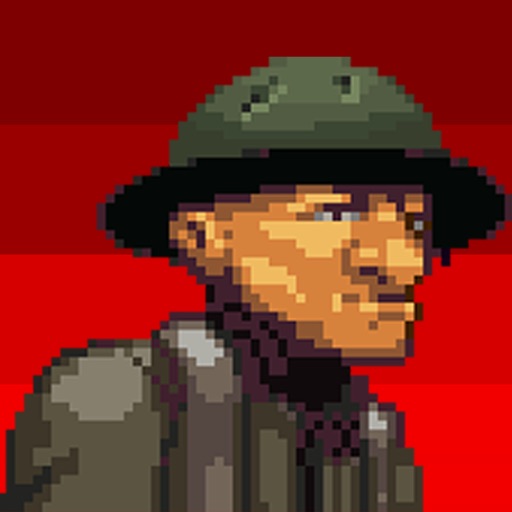
Use pixelated inspired by War One military ranks, artillery, and aircraft. Customize with peel-and-place , layer them, and add expressions. Includes six characters with three expressions each. Share with friends for competitive use.