View time zones simultaneously with a visual graph to identify available meeting times. Set availability for each time zone and see overlapping free slots. Share schedules and adjust time zones instantly.
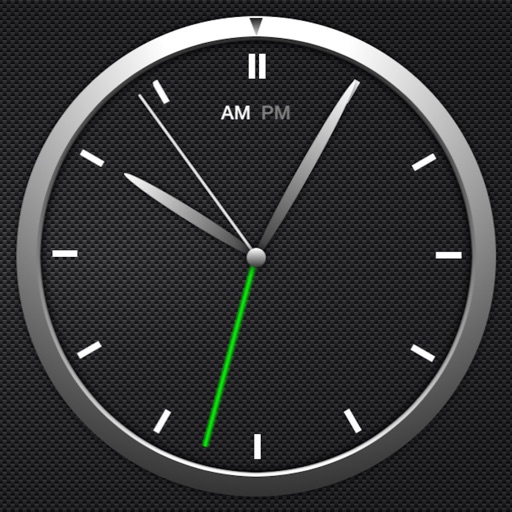
The app offers a simple and intuitive interface for setting alarms by moving the alarm hand. Users can choose from 8 built-in alarm sounds or play music from their library, with alarms functioning even when the app is in the background.
Track time with a minimalist interface. Switch between light and dark themes via double-tap. Zoom in or out to hide or show seconds. Access easter eggs for additional interactions. Future updates will include more themes and features.
Set alarms with multiple options and repeating schedules. Lock alarms to prevent accidental cancellation. Shake device to stop the . Use preset volume ringtones designed for waking. Cannot be muted or silenced once activated.
Send text as images or stickers. Choose from various font styles, adjust text color and size. Use giant emojis or create custom stickers. Reuse stickers in conversations. Share formatted text with others.
Set alarms with customizable sounds and mini-games. Display weather and cute characters. Wake users with loud but fun notifications. Allow sharing of settings with family and neighbors. Track daily activity and set reminders for morning routines.
Set customized alarms for specific days, weekdays, or dates. Import custom sounds or record voices for ringtones. Plan and manage future alarms in a calendar view. Use a built-in timer for naps, workouts, or cooking.
Allows users to set timers for future events such as birthdays or deadlines. Users can add notes and view remaining time. The displays countdowns in a clean interface and supports multiple timers simultaneously.
Display a customizable with adjustable time zones and date settings. Set alarms and timers. Sync with other devices. Switch between 12-hour and 24-hour formats. Adjust colors and styles.
Set alarms without a snooze button. Customize backgrounds with photos or built-in designs. Check weather for your location. Use voice commands to set alarms, check time, or control lighting.
Create and save multiple timers with customizable settings. Set time limits for color changes and thresholds. Adjust colors and animations. Track elapsed time with inverted colors after reaching zero. Control timers with simple touch gestures.
Track work hours using a card interface. Input times via scroll wheel or manual entry. Adjust fields with keyboard or swipe navigation. Save and review entries for daily work calculations.
Set alarms with schedules and customize snooze duration. Choose vibration or fade-in sound. Select music or preset alarms for waking up. Use sleep timer with background music. Switch between 12-hour and 24-hour formats.
Set alarms with customizable for the icon, , and interface. Choose multiple tones and preset volumes. Lock alarms to prevent silencing. Add personalized music to sounds. Adjust for the and interface.
Display a full-screen analog with customizable dial, index, and hands. Choose from 6 standard face types or purchase additional options. Select from 6 index styles including Roman numerals and triangle designs.
Set alarms for minyan and . Choose or record custom ringtone sounds. Test notifications to confirm setup. Enable repeat alarms and remove ads for a premium experience.