iPhone Screenshots
Description
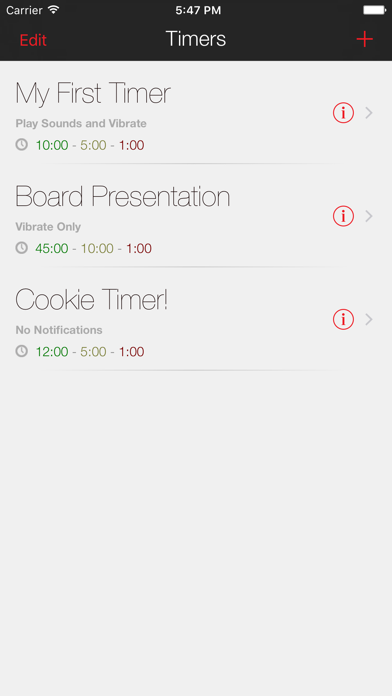
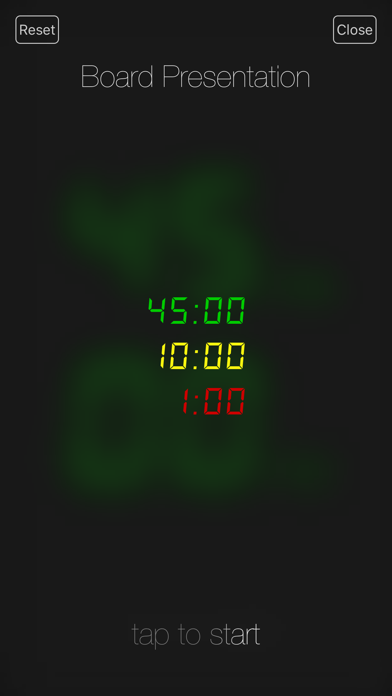
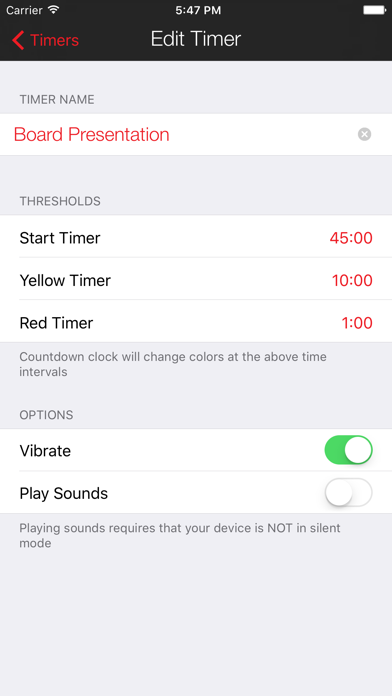
Create and save multiple timers with customizable settings. Set time limits for color changes and thresholds. Adjust colors and animations. Track elapsed time with inverted colors after reaching zero. Control timers with simple touch gestures.
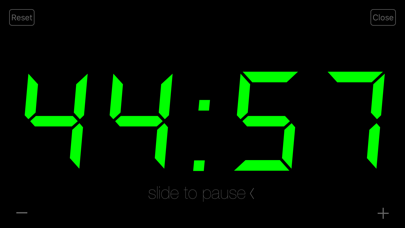
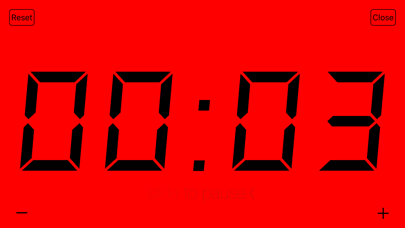
This app does one thing but it does it extremely well. If you give presentations, training, tutorials, or speak publicly, this app is for you. Beautifully animated, with large, easy to read numbers that change colors at thresholds you determine. When the timer hits 0:00, the colors invert (black on red) and continue counting up indicating how long you've gone over. Fully customizable options and simple touch controls
* Create and save as many timers as you want
* Set time limits for color warnings to change the clock to green, yellow and red
* Timers can be configured to give audible and/or vibration alerts when crossing a time limit threshold—but if you want a completely silent countdown, thats ok too :)