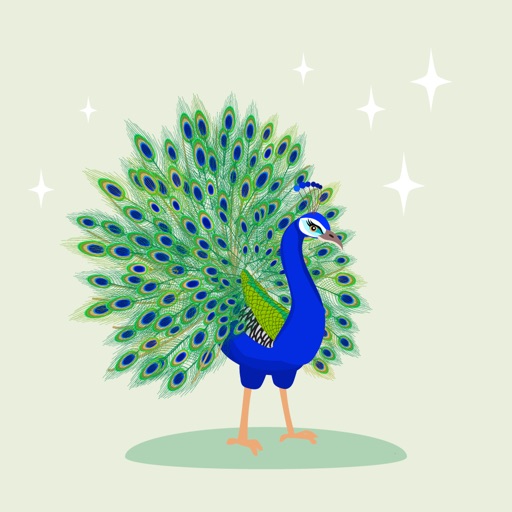
Create and customize for iMessage conversations. Use markup tools to censor, blackout, or redact content. Resize and rotate before placing them. Share across messages and personalize with over 70 designs.
Send to personalize messages. Tap to convert into emojis. Hold and drag to place over text, images, or other . Share custom sticker packs within iMessage.
Add stickers to messages or photos directly in iMessage. Choose from over 20 hand-made designs featuring summer themes like beach days, road trips, and tropical elements. Include options such as watermelon, pineapples, and palm trees.
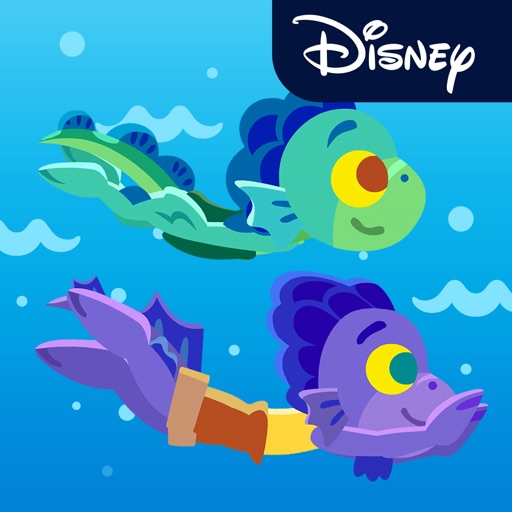
Add stickers inspired by Disney and ’s to iMessage. Choose from 21 animated characters performing actions like waving, dancing, and eating. Share messages with colorful Italian scenes. Stream exclusively on Disney+ starting June 18.
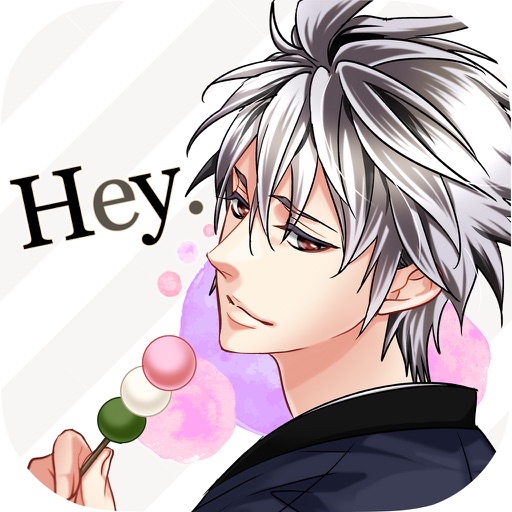
Add stickers from the "Liar!" to iMessage chats. Select stickers from a library featuring characters from the . Send stickers directly or place them anywhere in the chat by tapping and holding.
Downloads and uses for iMessage. Access via iMessage store. Add to messages by tapping the plus icon. Place on bubbles, images, or other in conversations.