iPhone Screenshots


Description
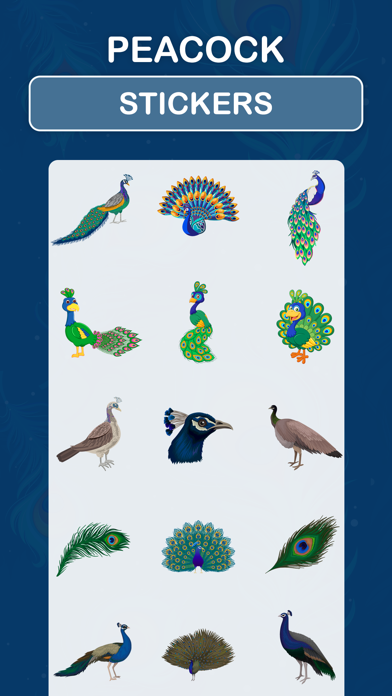
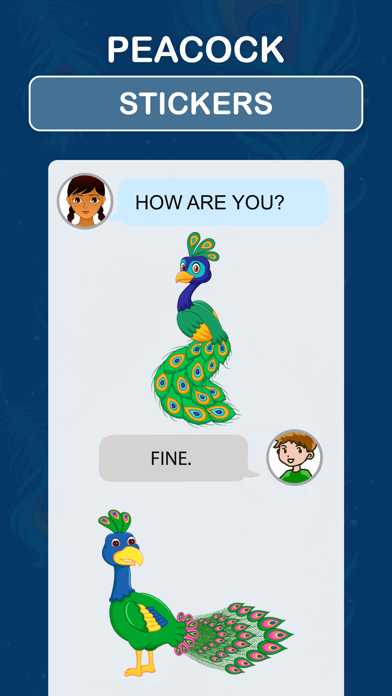
Downloads Peacock Stickers for iMessage
How to use stickers:
- Open iMessage from your iPhone.
- Tap on App Store icon.
- Tap on four oval icon to see app drawer.
- Tap on + button icon to access message app store, then manage app.
- Select the your app's sticker
- Just with a single tap send stickers.
- Peel and Place stickers on top of message bubbles or photos, just tap, hold and drop!.
- Add stickers over each other in conversations in iMessage.
- Scale & Rotate stickers by using a another finger before you place it on a bubble.