
Liar! i Messenger Sticker
Add stickers to iMessage chats
Voltage inc.
iPhone Screenshots

Description
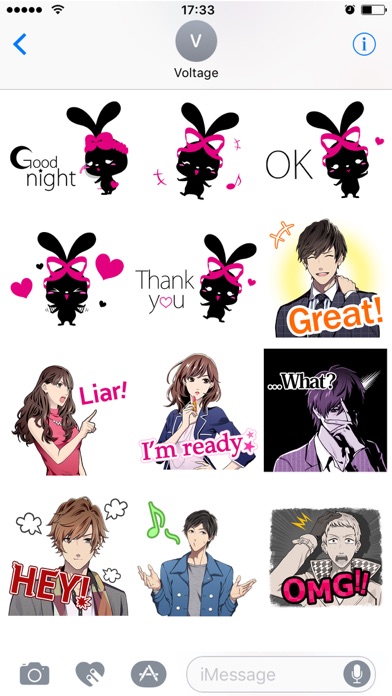
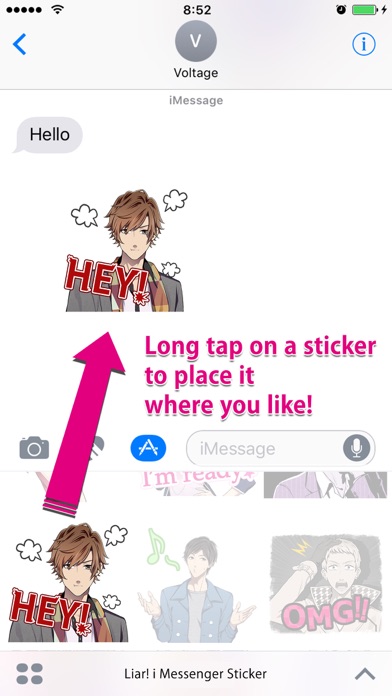
Add stickers from the "Liar!" to iMessage chats. Select stickers from a library featuring characters from the . Send stickers directly or place them anywhere in the chat by tapping and holding.
A new set of iMessage stickers is now available! Join the characters from the new type of romance app "Liar!" and bring the heat to your chats!
Plus TalkTime stickers and more, useful for your sassiest conversations!
How to use:
1. Open your iMessage app and go to an existing chat
2. Tap the > button next to the text input field or the the App Store icon
3. Tap the icon for Liar Stickers
4. Tap a sticker to send directly, or tap & hold to peel the sticker and place anywhere in the chat