Type characters using a QWERTY layout. Predict and suggest words based on input. Adjust settings for customization. Switch between languages seamlessly. Input text directly on touchscreen without additional steps.
Edit photos with tools like Pen, Line, Arrow, and Rectangles. Apply filters, effects, and enhancements. Add text, stickers, and adjust lighting and color. Remove blemishes and red-eye. Crop and resize images.
Allows users to perform basic and advanced mathematical operations. It includes a sidebar and tab bar for navigation and data sharing. Users can drag and drop entries to create new windows or use the context menu to generate new windows.
Play music using a virtual interface with scale-ordered notes. Practice chords with multiple fingers. Access various variations. Adjust settings for different playing styles. Sync with external devices for real-time performance.
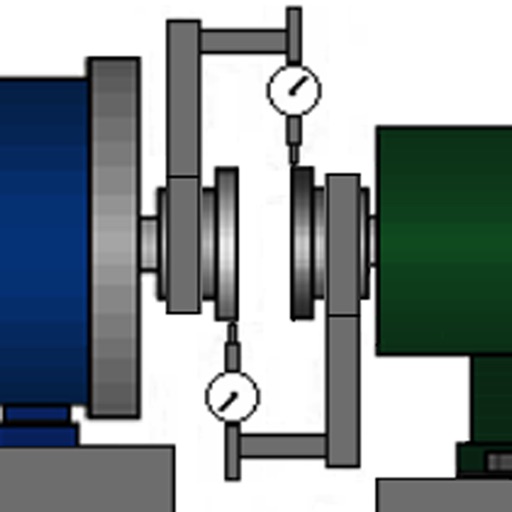
The app calculates machine shaft alignment corrections using multiple methods. It generates PDF reports with user signatures, sketches, audio, and image attachments, and allows saving alignment sessions for later review.
Track time with customizable stopwatches. Create new timers by tapping «+», select colors, and add descriptions. Monitor stopwatches simultaneously. Log time spent on tasks or habits. Set reminders for ongoing activities.
Edit photos with crop, rotate, and filter tools. Adjust brightness, contrast, and color. Add text, stickers, and draw on images. Apply blur, focus, and special effects like magic and splash. Export and share edited photos.
PDFs by combining multiple files into one. Split PDFs into individual pages. Compress files to reduce size. Convert PDFs to other formats. Manage documents with light and dark mode options. Securely store and share files.
Capture photos and videos with real-time filters applying effects during recording. Adjust filter position by tapping, swiping, or pinching. Edit videos with multiple filter styles ranging from funny to artistic. Share edited content directly.
Read and annotate verses with highlighting and notes. Search for specific scriptures quickly. Save favorite verses and organize study notes. Use one-handed mode on iPhone or split-screen on iPad. Share verses via copy or social media.
Edit PDFs with text, image, and layout modifications. Read with AI summaries, highlights, and customizable themes. Annotate using highlights, notes, and sketches. Fill and sign forms interactively. Convert PDFs to Word, Excel, PPT, images, and TXT.