
PDF AI: Editor, Scanner, Chat
Edit PDFs, read smarter, collaborate securely
Yang Yang
iPhone Screenshots


Description
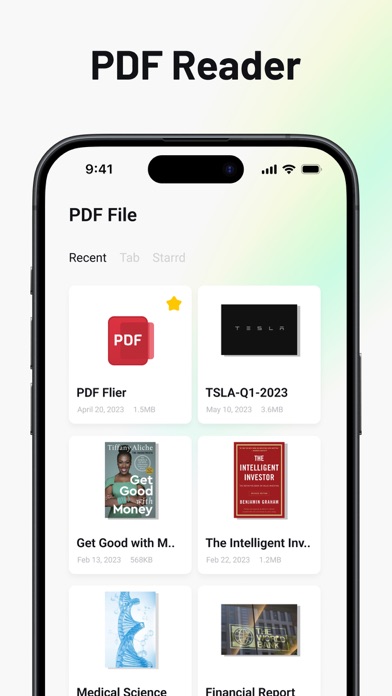
Edit PDFs with text, image, and layout modifications. Read with AI summaries, highlights, and customizable themes. Annotate using highlights, notes, and sketches. Fill and sign forms interactively. Convert PDFs to Word, Excel, PPT, images, and TXT.
AI-powered PDF toolkit built for speed, security, and clarity. Edit, read, convert, and collaborate—without friction.
What you can do
• Edit PDFs: Modify text, images, and layout with precision.
• Read smarter: AI summaries, highlights, bookmarks, day/night/Sepia.
• Annotate & collaborate: Highlight, underline, notes, sketches, share.
• Fill & sign: Complete interactive forms and e‑sign on the go.
• Convert fast: PDF ⇄ Word/Excel/PPT/Images/TXT with high fidelity.
• Scan & organize: Search, manage, and work offline securely.
Why it’s better
• Lightning-fast viewer for large PDFs.
• Privacy-first: local processing and strong encryption.
• Professional output, zero watermarks for subscribers.
• Continuous updates with new AI capabilities.
VIP (auto‑renewable subscriptions)
• Monthly or yearly plans available.
• Unlock premium tools: advanced editing, full‑text search, batch processing, high‑quality exports, and more.
Policies
• Privacy: https://sophoninc.com/privacy.html
• Terms of Use: https://www.apple.com/legal/internet-services/itunes/dev/stdeula/
• Terms of Service: https://sophoninc.com/terms.html
Contact
• Email: [email protected]