Edit photos with multiple layers, blending modes, and masking. Adjust colors and brightness using adjustment layers. Apply brushes, smudge, warp, and effects. Add shadows and clarity. Export and share edited images.
by Pankaj Goswami★ 4.73,031 ratingsPhoto & Video$4.99Data updated 2026-11-19
AI enhances photos and videos with one-tap processing. Adjust brightness, contrast, and color balance. Remove blemishes and imions. Add text overlays and stickers. Export in various formats and share directly.
Decorate photos with over 400 styled stickers. Place stickers using simple and intuitive controls. Add text, filters, overlays, and frames to enhance images. Supports iPhone, iPod Touch, and iPad.
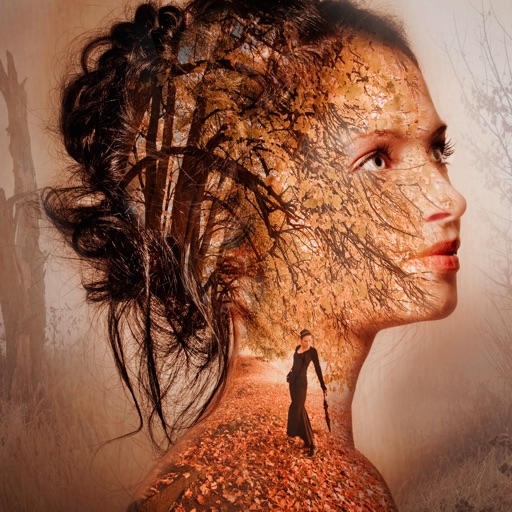
The app allows users to create unique images with special effects by combining photos with text. Users can add stylish text, masking, collages, frames, filters, and geometric shapes to their photographs.
The app is a vector illustration application for iPhone, iPod Touch, and iPad. It supports paths, text, images, groups, masks, and gradient fills with an unlimited number of layers.
Create slideshows with photo filters, transitions, and background music. Add text overlays and select from various templates. Export to Instagram, Facebook, YouTube, or email. Share directly or save as video files.
Create short videos by arranging clips, adding music, and applying effects. Edit footage instantly without complex tools. Save videos to camera roll or share via email, Twitter, and Facebook.
Edit photos with 400+ filter adjusters, custom masks, AI face filters, and content-aware object removal. Add text, shapes, and . Export in multiple formats and share directly.
Edit photos with auto and drawing tools. Apply 20+ effects and unique shapes. Zoom for high-resolution details. Use brush offset to avoid finger interference. Preview and adjust focus areas. Export edited images directly.
Create mood boards and organize reference images with smart asset management. Pick precise colors and collage freely. Edit across iPhone, iPad, and macOS with unlimited canvas and batch processing.
The app offers multilayer paint and image editing with tools like erasers, fill tools, and color pickers. Users can manage multiple layers, adjust alpha values, and change layer visibility and order.
Create detailed artwork with realistic brushes and watercolor effects. Scale canvas up to 64 times with precise grid and pixel-level accuracy. Use over 80 brushes, erasers, smearing tools, rulers, cutters, fill tools, and color pickers.
Edit photos with background erasing and changing tools. Blur backgrounds and apply portrait beauty effects. Add realistic filters and effects with one tap. Share edited photos directly. Join a community for editing tips and feedback.
Create frame-by-frame animations from scratch or based on videos, images, or Photoshop layers. Export in multiple formats. Draw and animate directly on iPad or iPhone.