Apps Like map:clock - World Map & Clock for iPhone and iPad
Track time zones and day-night effects
View a with current time, day and night effects, and sun position. Track time zones and convert between them. Add and rename favorite cities. Display the International Date Line. Available on iPhone and iPad with one purchase.
by YUICHI KATO★ 4.613 ratingsUtilities$2.99Data updated 2026-10-26
View current and future times for multiple locations on a single interface. Set reminders for specific times and places. Share coordinates with others instantly. Adjust zones and track shifts visually.
Convert between zones by city name, zone identifier, or abbreviation. Set custom zones and add clocks for multiple locations. View current and date for selected zones. Sync with system and adjust for daylight saving changes.
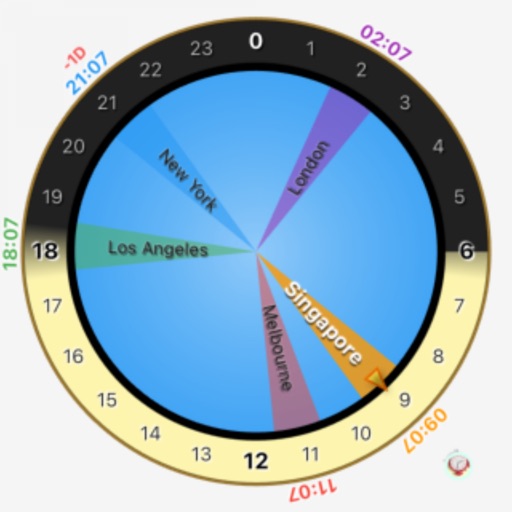
The app displays multiple time zones on a single analog clock face. Users can manage and organize time zones with custom labels and color-coded indicators.
Display current and temperature using GPS or WiFi location. Show real-time updates with day and night cycle visuals. Track conditions and forecasts for your location.
Track time with multiple time zones using the feature. Add and customize cities with preferred faces from the gallery. Set alarms and timers. Sync across iPhone, iPad, Mac, Apple TV, and Apple Vision Pro.
Convert units of volume, area, weight, and data. Solve complex math equations. Track exchange rates. Access a world clock. Add home screen widgets for quick access.
Set alarms with voice commands. Play random sounds or custom background music. Display weather based on location. Choose from built-in designs or add personal photos. Adjust volume for audio files.
Set alarms and timers with customizable sounds. Display current time and date. Adjust brightness and sleep mode. Sync with other devices for shared alarms.
Set alarms with date options, repeat settings, and snooze functionality. Track global time zones and locate cities on a globe. Use fade effects to gradually up with customizable transitions.
View time zones by scrolling a time bar to adjust city times forward or backward. Double-tap to switch time units between minutes and hours. Add any city to the list for easy time comparisons.
Display a customizable with adjustable time zones and date settings. Set alarms and timers. Sync with other devices. Switch between 12-hour and 24-hour formats. Adjust colors and styles.
Displays the current time and date in large, readable text. Swipe up to access settings. Choose between 12-hour and 24-hour time format. Select date display options. Toggle visibility of the date and seconds.