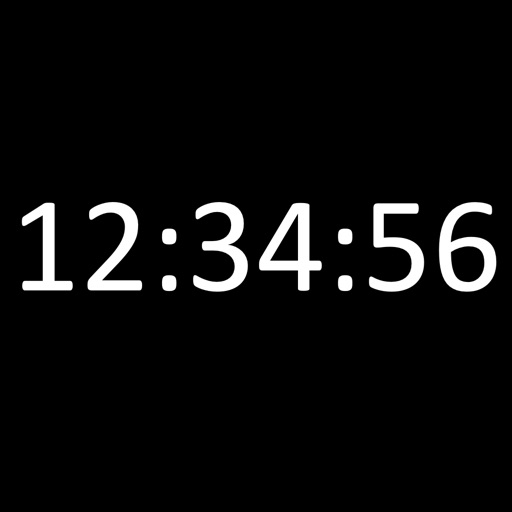
iPhone Screenshots


Description
Displays the current time and date in large, readable text. Swipe up to access settings. Choose between 12-hour and 24-hour time format. Select date display options. Toggle visibility of the date and seconds.
A must-have app, Fullscreen Clock is ad-free, lightweight and simple in its function, built from the ground up as a useful and free utililty.
• Displays the time and date in large, easy to read text
• Swipe up to view settings
• Ad-free, distraction-free, simple
• Lightweight application for efficient battery usage
• Display in portrait or landscape device orientation
User settings include:
• Choose between 12 and 24-hour time
• Select your desired date format
• Show/hide date
• Show/hide seconds
• Show/hide battery status indicator
• Toggle reduced brightness mode for dimly lit environments
Fullscreen Clock will always be ad-free and free to use. The simplest, most accessible digital time application available on the App Store, truly a must-have app.