Apps Like map:clock - World Map & Clock for iPhone and iPad
Track time zones and day-night effects
View a with current time, day and night effects, and sun position. Track time zones and convert between them. Add and rename favorite cities. Display the International Date Line. Available on iPhone and iPad with one purchase.
by YUICHI KATO★ 4.613 ratingsUtilities$2.99Data updated 2026-10-26
Access city time with a home screen widget. Automatically detect location and view time zone details. Get sunrise, sunset, moonrise, and moonset times. Track daylight saving changes and twilight periods.
The app displays the time with 140 style options, including 28 color themes and 5 color fonts. It offers 12 or 24-hour modes, portrait and landscape viewing, and customizable clock styles and status settings.
Play sleep sounds and set alarms with time, weather, and calendar info. Choose gentle or loud wakeups, automate lights, or answer trivia. Adjust brightness, use flip clocks, and integrate with smart home devices.
Digital displays time with customizable skins and color options. Features include effects, white noise sounds, and hourly chimes. Users can set timers, countdowns, and customize background.
Display time, date, day name, and day part with customizable formatting. Speak time and date via on-screen button. Set auto-lock to "Never" for continuous use. Syncs with iPad settings for optimal brightness and display adjustments.
Solve complex math equations with a scientific . Convert units for cooking measurements. Access real-time currency exchange rates for international transactions. Perform financial calculations and metric conversions.
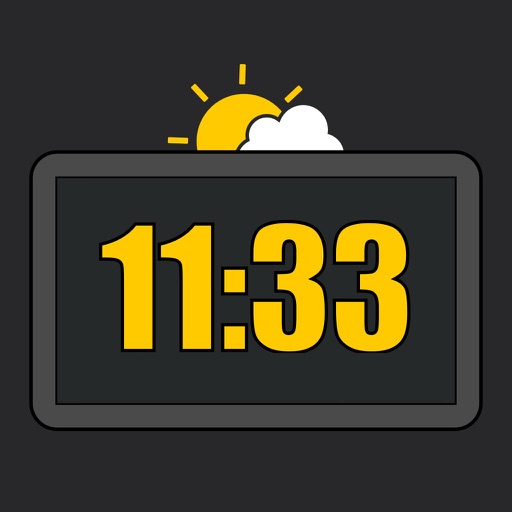
Displays a large in StandBy mode with one or two options. Shows current time in format from a distance. Includes styling options available via a one-time purchase. No ads in the free version.
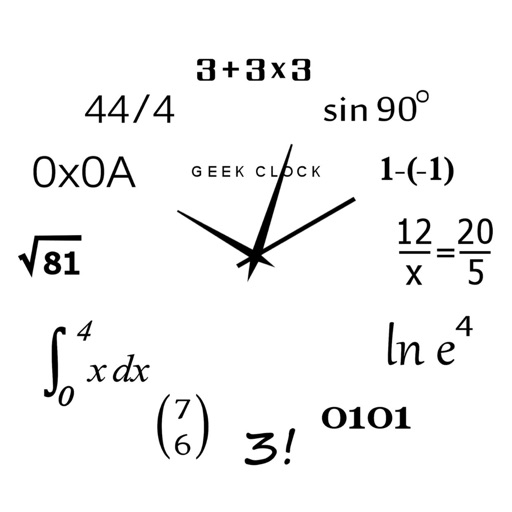
Display time using math problems instead of numerals. Switch between horizontal and vertical layouts. Toggle day and night themes. View animated quotes related to culture. Solve equations to reveal time.
Search for in cities worldwide. Rename frequently used locations for easier reference. Use Quick Check mode to convert dates and times across saved locations. Send converted times directly to your calendar.
Displays current with minimum and maximum temperatures. Shows 72-hour and 10-day forecasts for global cities. Automatically detects location. Includes animated satellite maps with wind, rain, temperature, and cloud layers.
Set alarms with multiple options and repeating schedules. Lock alarms to prevent accidental cancellation. Shake device to stop the . Use preset volume ringtones designed for waking. Cannot be muted or silenced once activated.
Set alarms with customizable sounds including melodies, nature tones, and energetic beats. Adjust volume and repeat settings. Snooze multiple times with adjustable intervals. View a digital face with time, date, and weather information.
Turn your Apple device into a showing seconds, date, and battery percentage. Customize the clock face with colors and display options. Supports portrait and landscape orientations for flexible use.