Use stickers to add humor and personality to messages. Include animated and static emojis. Customize sticker packs and access them through iMessage. Share stickers with contacts and update collections through provided links.
by Sikora Entertainment, Inc.★ 5.016 ratingsStickers$1.49Data updated 2026-09-12
Add humor to iMessage conversations with customizable stickers. Peel and stick doodle stickers over text, images, or other stickers. Resize stickers using a pinch gesture. Share stickers directly within iMessage.
Add stickers to emojis and text messages to enhance expressions. Customize messages with a variety of sticker options. Share daily updates with friends and family using enriched communication.
Send animated stickers like exploding pumpkins, flying ghosts, and dancing skeletons over photos. Create composite messages in iMessage with customizable scary themes and animated effects.
Send messages with 24 -inspired stickers based on the animated short Bao. Choose from themes like Hearts, Hi, Poke, and Steamy. Add stickers to iMessage conversations directly from the .
Use animated stickers to express emotions and messages. Add text overlays to customize stickers. Share stickers directly in chats and social media. Includes a mix of animated and static sticker options.
Create and send guitar-themed in iMessage. Choose from electric guitar designs and artwork. Add to conversations. Share music-related expressions with friends.
Send and share stickers with rainbow themes. Choose from 80+ stickers featuring LGBTQA+ Pride symbols. Customize messages with animated or static stickers. Add emotional expressions to iMessage conversations.
Add animated stickers of a cartoon character in various poses and expressions. Customize messages by combining text with character images. Share stickers across platforms and use them in text conversations.
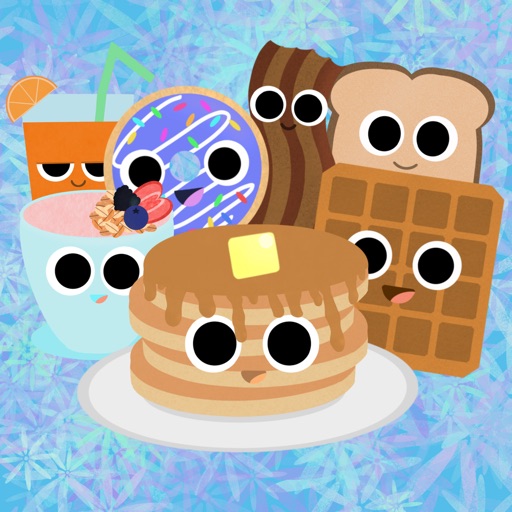
Add to iMessage conversations. Customize sticker packs, send in chats, and browse animated food-themed emojis. Share meal ideas and food-related humor with friends.
Add stickers to iMessage chats. Share stickers by selecting them in conversations. Activate stickers through the iMessage settings. Choose from a collection of stickers. Send stickers directly in messages.
Record selfie with filters and send them directly in iMessage conversations. Tap the camera button to record, apply filters, and place in chats. React to messages with animated without leaving the messaging .
Create from personal images and add them to sticker packs for use in conversations. Share memes with friends via the . Join the group for support and updates.
Send and customize stickers in iMessage. Choose from a variety of minimalist designs. Add stickers to conversations. Remove or delete stickers after use. Share stickers with contacts.
Share -themed in iMessage conversations. Include phrases like "Let's jam" and "Pickin' and grinnin'". Features include hand-drawn designs, themed messages, and easy sharing within text chats.
Add -themed stickers to messages and photos. Choose from , designs with holiday messages. Customize text and combine stickers with images. Share decorated content directly.
Add stickers to messages by tapping and selecting from 24 options. Drag stickers onto message bubbles or other stickers. Rotate and scale stickers using a second finger before placing them.
Send animated of items like spinning cinnamon rolls and syrupy pancakes. Add food and drink-themed emojis to messages. Share with contacts to personalize conversations.