
iPhone Screenshots
Description
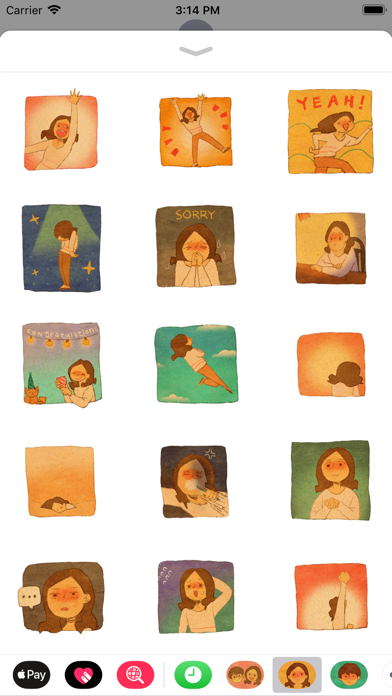
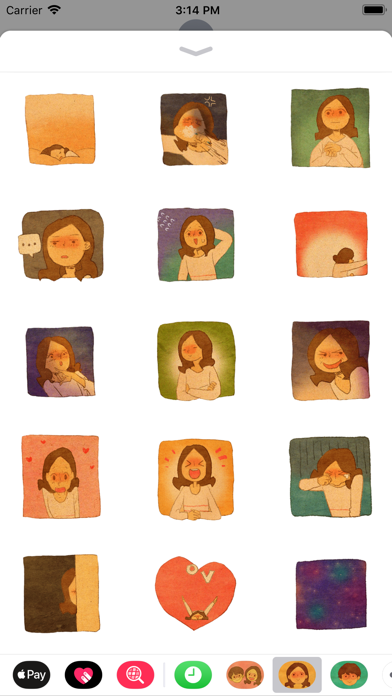
Add stickers to messages by tapping and selecting from 24 options. Drag stickers onto message bubbles or other stickers. Rotate and scale stickers using a second finger before placing them.
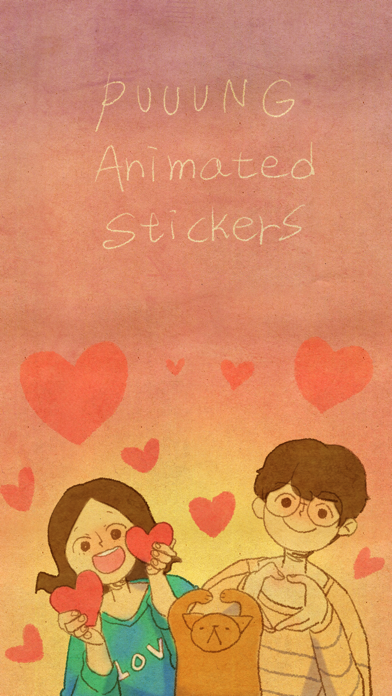
Puuung’s Animated Stickers make your conversation intimate.
Enjoy 24 kinds of adorable, heartwarming animated stickers in your chatroom.
How to decorate a conversation with stickers
* Tap a stickers app to open it.
* Tap a sticker to add it to the message bubble.
* Touch and hold a sticker, then drag it on top of a message bubble, put it on another sticker, or even dress up a photo in the conversation.
* Before you release, you can rotate & scale stickers by using a second finger around the finger dragging the sticker.
---
I am creating illustrations & shot animations about what love is.
Love is a material that anyone can relate to and I feel that love is something that emits light from the small things in daily life. I work to find hidden meanings in these daily lives and translate them into illustrations and animations.
* Become a Patron on Patreon: http://patreon.com/puuung1
* For those of you who would like to support me, prints, and e-books are available below.
- Prints on Redbubble ( http://bit.ly/PuuungPrints )
- E-Books on iBooks ( http://bit.ly/PuuungEbooks )
* Follow(Subscribe) me on
- Youtube: http://youtube.com/puuung1
- Instagram: http://instagram.com/puuung1
- Facebook: http://facebook.com/puuung1
- Grafolio: http://grafolio.com/puuung1
- Twitter: http://twitter.com/puuung1