Send messages with 24 -inspired stickers based on the animated short Bao. Choose from themes like Hearts, Hi, Poke, and Steamy. Add stickers to iMessage conversations directly from the .
by Disney Electronic Content, Inc.★ 4.412 ratingsEntertainment$1.99Data updated 2026-09-15
Use stickers featuring Toy characters like Buzz Lightyear and Woody. Add stickers to messages, customize sticker size, and browse sticker packs within the . Share stickers via iMessage or other supported platforms.
Send messages with animated stickers featuring characters from including Mabel, Dipper, Soos, Grunkle Stan, and Waddles. Include 24 stickers in the pack. Add stickers to iMessage conversations. Select from themed animations and character designs.
Add animated to iMessages featuring . Scale, rotate, and layer stickers. Place them on photos. Access additional sticker packs through the iMessage Store.
Access iMessage apps by tapping the Store icon next to the compose field. Use stickers featuring characters and phrases from films like Lilo & Stitch and The Little Mermaid. Add stickers to messages directly within iMessage.
Use stickers featuring characters to personalize iMessages. Add stickers to conversations, browse the sticker library, and manage favorites. Share stickers with contacts via iMessage.
Add -themed stickers to iMessages featuring characters like Elsa, Anna, Olaf, and Snowgies. Tap the Store icon in iMessage to install. Use stickers in conversations by tapping the sticker icon and selecting from the pack.
Add animated stickers featuring Big 6 characters like Baymax, Hiro, GoGo, and Wasabi. Customize messages with character-specific stickers. Share stickers via iMessage or other supported platforms.
Add stickers of characters to iMessages. Choose from Judy Hopps, Nick Wilde, and other favorites. Tap to send stickers directly in conversations. Browse and install via the Store within iMessage.
Add Emotions like Anger, Disgust, Fear, Sadness, and Joy as stickers to iMessages. Tap the Store icon to install. Use the plus icon to access sticker packs. Send stickers directly within conversations.
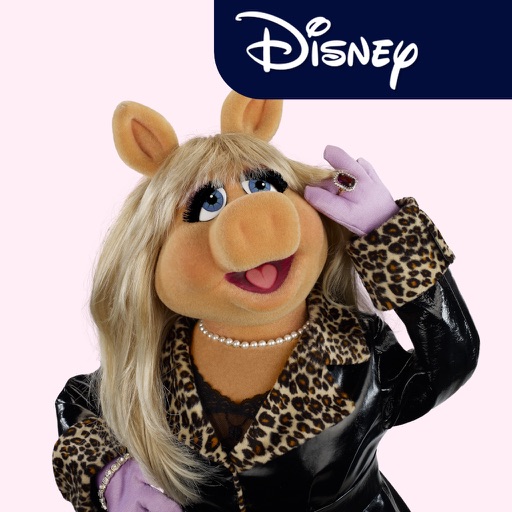
Add stickers featuring characters like Kermit, Miss Piggy, and Fozzie Bear to iMessage conversations. Select and send stickers directly from the iMessage interface. Browse and download additional sticker packs from the drawer.
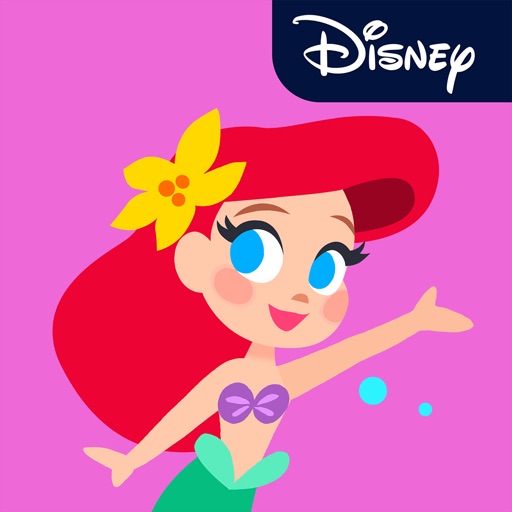
Add stickers to iMessages with characters like Ariel, Rapunzel, and Mulan. Scale, rotate, and layer stickers in chats. Place stickers on photos sent or received. Access additional packs through the iMessage Store.
Use animated stickers featuring like Maleficent and Cruella to enhance messages. Share stickers via iMessage by accessing the Store icon. Browse and add new stickers through the drawer.