Send stickers of coffee, boba tea, mango lassi, and other drinks. Choose from a variety of themed images. Share stickers directly with contacts. Add custom text to stickers. Save favorite stickers for future use.
Add to message thread by tapping or dragging it onto messages, photos, or other stickers. Place stickers anywhere in the conversation. Features include customizable placement and integration with messaging apps.
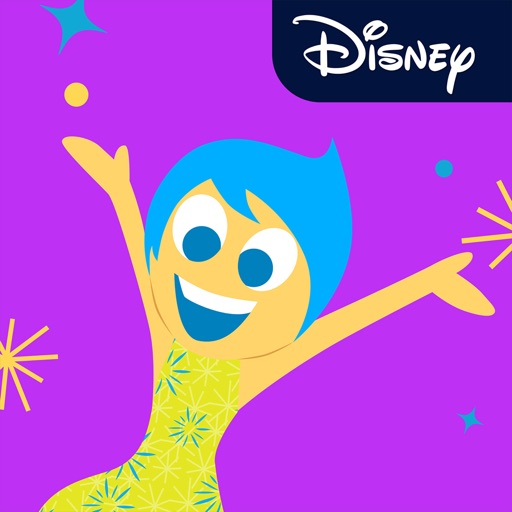
Add Emotions like Anger, Disgust, Fear, Sadness, and Joy as stickers to iMessages. Tap the Store icon to install. Use the plus icon to access sticker packs. Send stickers directly within conversations.
Use to enhance photos and chats. Drag and drop onto images or chat bubbles. Access exclusive like dinosaur, sandwich, and reindeer. Send directly or add them to photos. Each sticker is handcrafted with frame-by-frame animation.
Access iMessage stickers by tapping the Store icon beside the iMessage chat. Copy-paste emojis into messaging apps like WhatsApp, Facebook Messenger, and Viber.
Send and receive animated stickers in iMessage. Choose from 96 unique high-quality animated stickers. Add emotion and personality to conversations with playful and expressive visuals.
Access iMessage apps by tapping the Store icon next to the compose field. Use stickers featuring characters and phrases from films like Lilo & Stitch and The Little Mermaid. Add stickers to messages directly within iMessage.
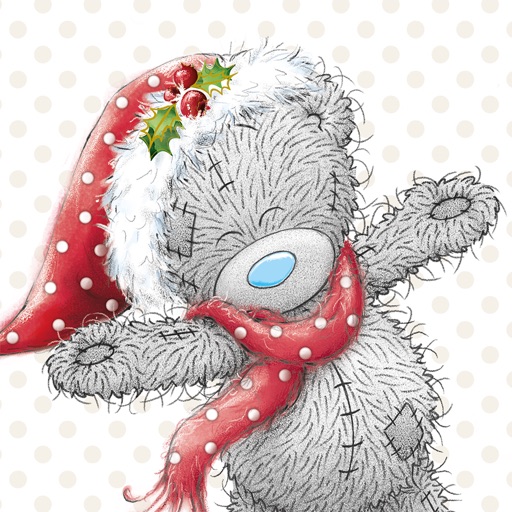
Share holiday greetings with customizable stickers and emojis. Send messages with festive animations and seasonal themes. Choose from themed packs for and celebrations. Add text overlays to stickers. Save and organize favorite designs.
Add animated stickers to iMessage chats. Choose from 72 unique, high-quality stickers. Include 24 free stickers for initial use. Unlock additional stickers for full access. Share stickers directly within messages.
Create collages using free layouts and grids. Add stickers, text, and backgrounds. Edit photos with cropping, flipping, and layering. Save and share finished collages or stories. Generate wallpapers from edited images.
Add stickers to messages by opening a chat, tapping the button, and selecting a sticker. Send stickers directly to friends or messages. Restore purchased stickers on another device through the same purchase.
Send animated stickers to specific contacts via iMessage. Choose from heart, flower, and hug animations. Customize sticker delivery by enabling "Me to You" in settings. Share emotions without text.
Create and customize messages by layering stickers. Select stickers from the drawer, peel them off by holding, and drag them onto other messages or stickers. Combine with compatible sticker sets for varied designs.
Send stickers in iMessage to contacts. Choose from themed designs for messages. Enable through Store settings. Tap to send stickers directly in conversations.
Create iMessage stickers from copied images. Add custom emoji or GIF stickers. Option to include a sticker-like border. Share directly within messages.
Send stickers with expressions like "I'm asleep..." and "I love you!" to friends and family. Include animated koi characters. Share via messaging apps. Access free sticker with 6 themed designs. Link to premium sticker and game.
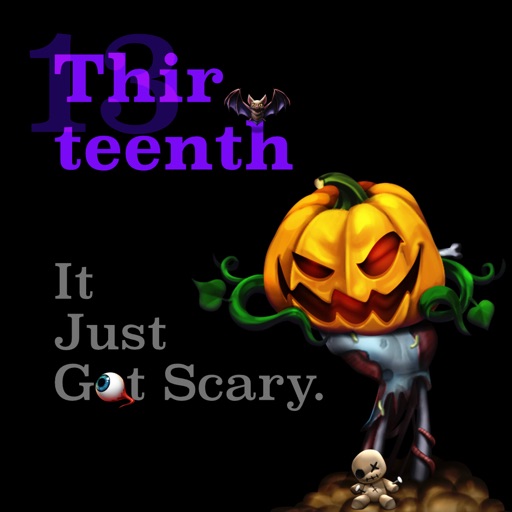
Create and share messages with animated stickers. Choose from a collection of scary-themed stickers to add visual effects. Customize stories with multiple sticker options and send through messaging apps.