
Everyday Things
Combine stickers to create new designs
Timothy Welman
iPhone Screenshots


Description
Create and customize messages by layering stickers. Select stickers from the drawer, peel them off by holding, and drag them onto other messages or stickers. Combine with compatible sticker sets for varied designs.
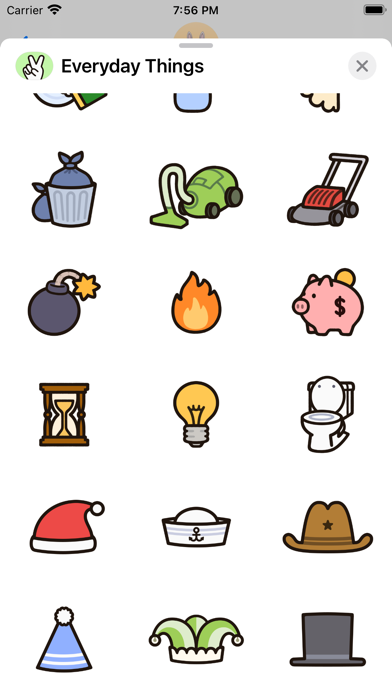
Everyday Things is a collection of 42 stickers that are work well on their own, but unleash their true powers when layered on top of other stickers. Combine them with “Sunny the Bunny,” “Sunny the Love Bunny,” “Eggby the Eggplant,” or really any sticker set, and you’ll discover that the combinations are endless.
To layer stickers on top of each other:
1. Hold down on a sticker within the sticker drawer.
2. Wait for the sticker to visually peel off.
3. Drag it on top of another message or sticker.
To add this sticker pack to your favorites:
1. Hold and drag the oval sticker icon on the Messages app bar to the front.
or
2. Slide to the end of the app bar in Messages, press More (the ellipsis icon), Edit, and select the plus symbol on the left of the app icon.
Drawn by Timothy Welman
@classyraptor - Instagram
@classyraptor - Tumblr
@classyraptor - Twitter
@classyraptor - Pinterest