
iPhone Screenshots

Description
Add stickers to messages by opening a chat, tapping the button, and selecting a sticker. Send stickers directly to friends or messages. Restore purchased stickers on another device through the same purchase.
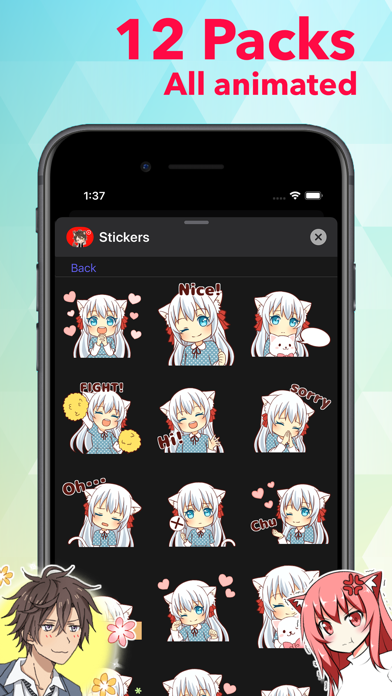
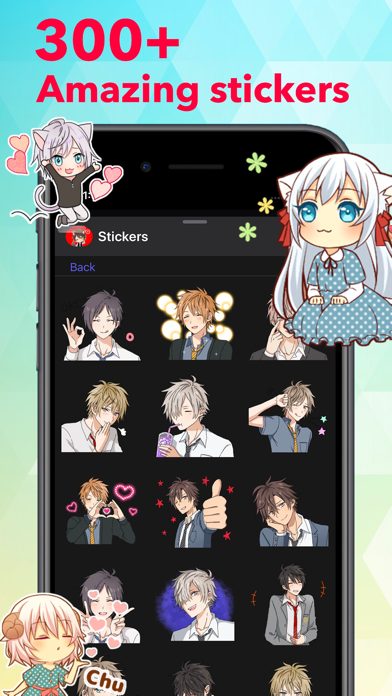
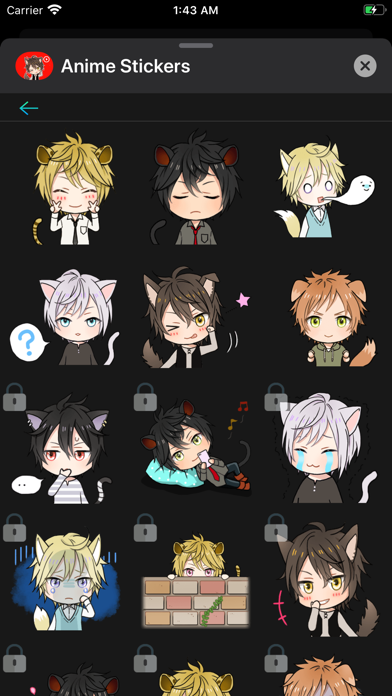
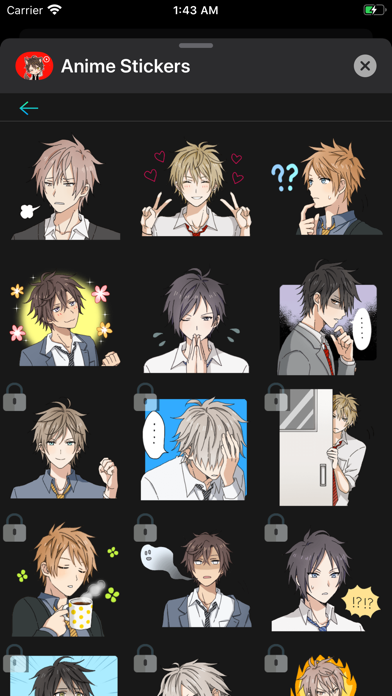
Add more emotion to your messages with all of these cute stickers!
Stick them on your message, stick them on a friend's message. Less talk, more stickers.
To start using stickers:
Step 1: Open a message and tap ">" button to the left to the text box
Step 2: Tap the app button that appears and then tap the button in the lower left.
Step 3: Tap icon to start sending stickers
RESTORE: If you have already bought stickers, then to restore it on another device, you will need to make the same purchase, no money will be charged again.