Send wishes with customizable stickers for 5, 10, 15, and other milestone years. Add stickers to messages by tapping or dragging them into the thread. Share personalized messages with loved ones to express care and affection.
Send message stickers in iMessage. Tap to add stickers to messages, photos, or bubbles. Stack stickers in conversations. Scale and rotate stickers as needed. Manage stickers through the drawer.
Add to message thread by tapping or dragging it onto messages, photos, or other stickers. Place stickers anywhere in the conversation. Features include customizable placement and integration with messaging apps.
Send animated stickers to friends with 380+ options. Choose from humorous and affectionate animations. Add stickers to messages or social media posts. Share reactions and express emotions through playful visuals.
Send -themed stickers featuring hand-drawn illustrations of various types. Choose from 60 designs representing different styles and origins. Drag and drop stickers onto existing messages or send as individual messages.
Add stickers to iMessages with characters like Lucky, Marie, Bolt, and Lady. Scale, rotate, and layer stickers. Place them on photos. Access additional packs through the iMessage Store.
Add stickers from the "Liar!" to iMessage chats. Select stickers from a library featuring characters from the . Send stickers directly or place them anywhere in the chat by tapping and holding.
Send animated dinosaur stickers to friends. Choose from various -themed images. Add sound effects with roars. Customize sticker size and position. Share stickers via chat or social media.
Create and send custom for iMessage. Choose from various cannabis-related themes. Add to messages to express preferences. Share sticker packs with contacts. Customize sticker appearance and layout.
Use animated stickers to add fun to messages. Choose from crystal red bee packs. Customize sticker size and position. Share stickers across social media platforms.
Send to friends in text messages. Choose from a collection of weird and funny drawings. Add to messages by tapping and dragging them onto the text. Share within messaging apps.
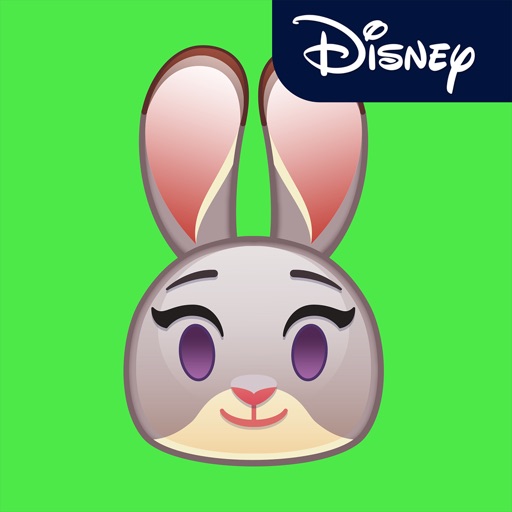
Add stickers of characters to iMessages. Choose from Judy Hopps, Nick Wilde, and other favorites. Tap to send stickers directly in conversations. Browse and install via the Store within iMessage.
Add stickers featuring characters like Kermit, Miss Piggy, and Fozzie Bear to iMessage conversations. Select and send stickers directly from the iMessage interface. Browse and download additional sticker packs from the drawer.
Send messages with cookie stickers to add a sweet touch to conversations. Choose from various sticker designs. Share stickers directly in chats. Link to gift boxes for purchase.
Add fright and festivity to messages with animated stickers of Jack Skellington, Sally, Sandy Claws, and Oogie Boogie. Include accessories like the walking bathtub and scary present.
Send as stickers with watercolor backgrounds, flowers, and greenery. Include encouraging and inspiring messages. Decorate text messages with festive designs. Share with friends and family.
Send stickers by tapping a single button in iMessage. Choose from various cute characters to enhance conversations. Add stickers to the message store and place them directly on messages.
Add stickers to messages by tapping and dragging them onto text, photos, or other stickers. Position stickers anywhere within the message thread. Use animated and static stickers for greetings and conversations.
Send holiday-themed stickers featuring festive characters like Elf Ball, Candy Cane Pin, and Snowman Ball. Include bowling pins in holiday costumes. Add stickers to messages. Share custom combinations of emojis and stickers.
Send stickers via iMessage by tapping the ">" button in a conversation, selecting the sticker pack, and choosing a sticker to add to your message. Drag and drop stickers into the text box to include them in your message.