Convert videos or photos to GIF and vice versa. Edit GIFs by adjusting frame speed, resizing, cropping, and applying transformations. Export in high quality without watermarks.
Convert photos between JPG, PNG, HEIC, and PDF formats without quality loss. Select and add multiple images from various sources. Adjust compression settings and save or share converted files.
Resize photos by adjusting dimensions in pixels, millimeters, centimeters, or inches. Save images in PNG or JPG formats. View side-by-side comparisons of original and resized images. Maintain quality during resizing.
Convert images to JPEG or PNG formats. Supports HEIF/HEIC and common types. Converted files are saved to the Photos with automatic album creation for JPEG or PNG. No ads.
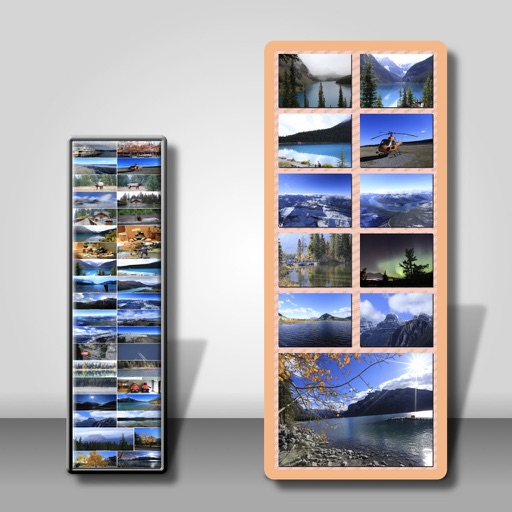
Combine multiple photos into customizable frames or collages with 55 adjustable templates. Add rounded corners, effects, shadows, and patterns. Choose colors using an easy color picker. Save projects and share via Facebook, Email, or Twitter.
Filters, adjustments, and effects. Apply blur, focus, and rotation. Add stickers, text, and on images. Crop, resize, and enhance . Remove blemishes and whiten smiles. Save or share edited images.
Allows trimming, cutting, and adding effects to videos. Collage lets arrange multiple photos into grids or layouts. Slideshow creates timed photo presentations with music. Photo offers filters, cropping, and text tools.
Create holiday collages with customizable layouts, -themed grids, and backgrounds featuring Santa, gifts, and snowmen. Add text messages, select photos, and design e-cards with festive frames and decorations. Export and share finished collages.
Create videos by merging Live Photos, stills, and videos. Add titles, music, and customize pre-made "On This Day" projects. Automatically import Live Photos and panoramas. Share in five aspect ratios. View suggested projects based on recent photos.
Resize and crop photos in batches, adjust dimensions, rotate, or delete multiple images at once. Save edited photos to camera roll, email, or Dropbox. Customize resize settings and export to a working directory without altering original files.
Multiple images simultaneously with customizable pixel dimensions. Choose from four modes including fixed width, fixed height, maximum pixel, aspect fill, or aspect fit. Export resized images in selected formats.
Remove backgrounds from photos using automatic eraser with machine learning. Identify and isolate people, animals, vehicles, and objects. Erase single-color backgrounds for chroma key effects. Manually adjust erased areas for precision.
Create collages, cards, and albums using photos. Select from hundreds of templates and customizable grids. Add backgrounds, frames, and text. Edit images with cropping, filters, and adjustments. Share finished projects directly.
Create funny morphs by selecting two photos. one to another and swap to reverse the effect. Adjust intensity and save results as single images or collages. Supports multiple photos.