iPhone Screenshots
Description
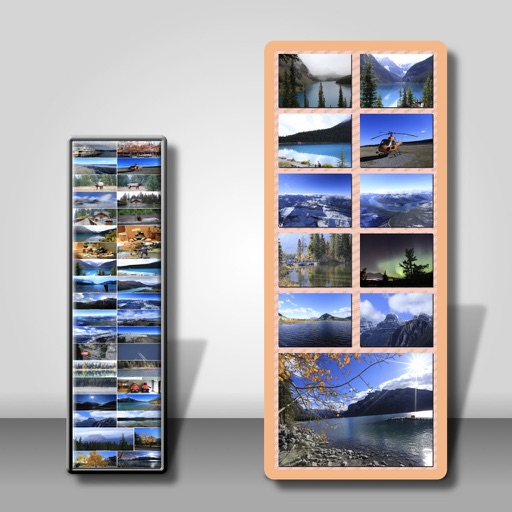
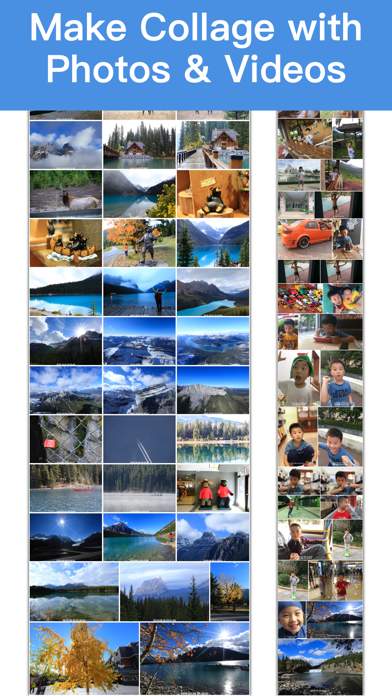
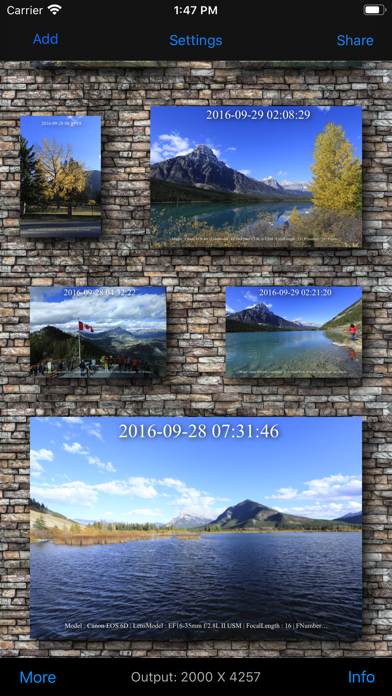
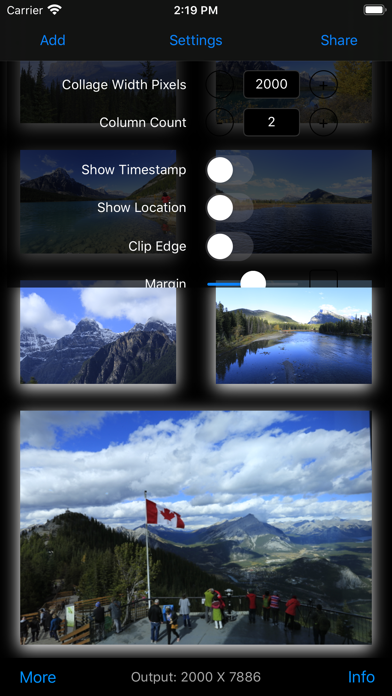
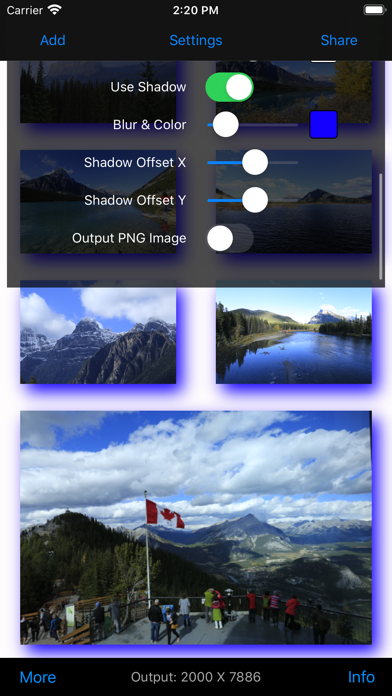
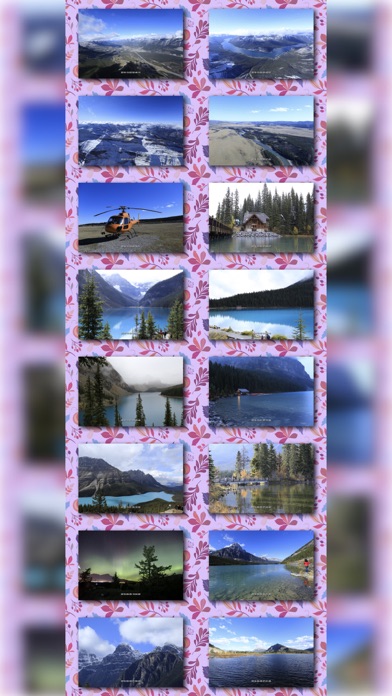
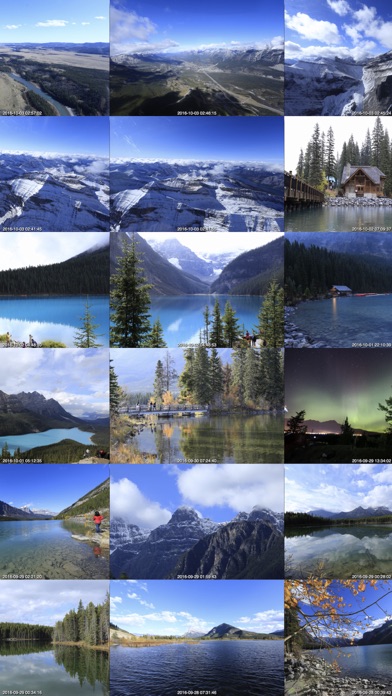
- Quick to make a tower-style collage with images or videos
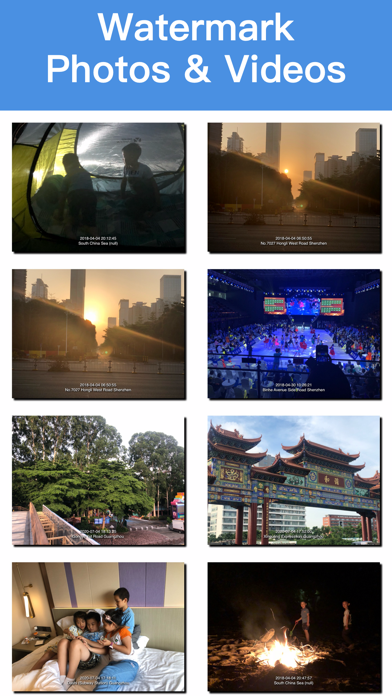
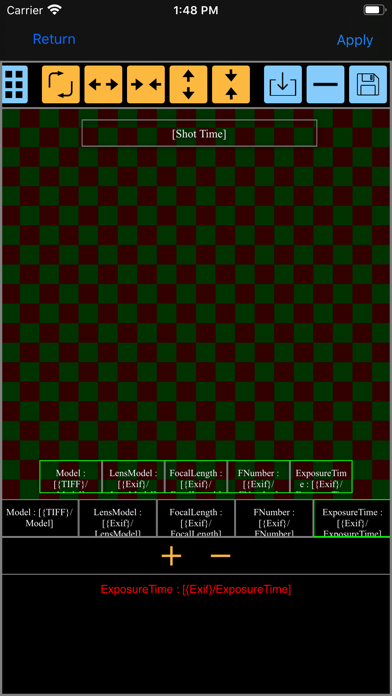
- Watermark photos or collage with Text | Image | EXIF....
- Rotate Photos : batch to fix photos' orientation for saving your huge time from manipulating them one by one
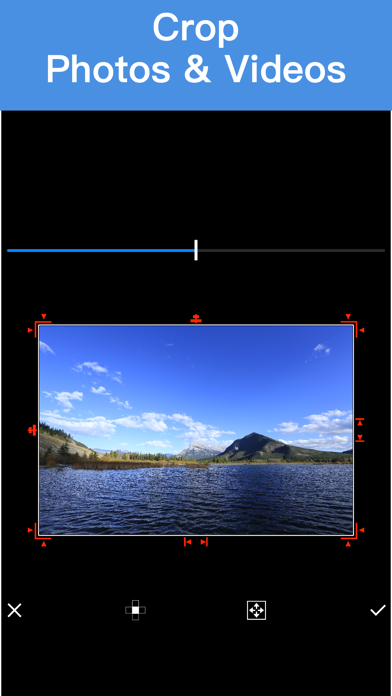
- Crop Photos : batch to crop photos
- Print timestamp on photos
- Print location on photos, such as Center Park,NewYork
- concat photos like a tower ( long screen )
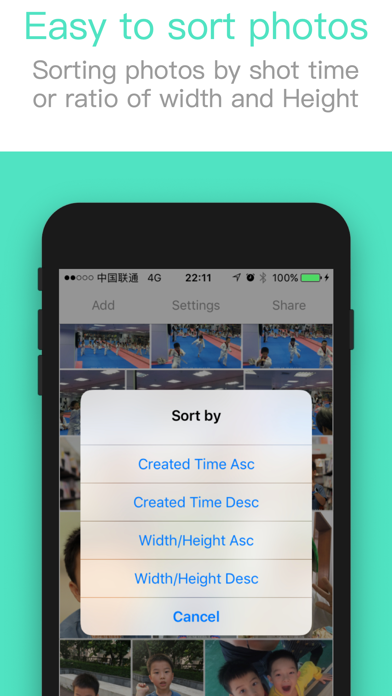
- Sort photos by created time
- Sort photos by Image's ratio of Width/Height
- Support vertical or landscape mode
- User defined background image
- Convert images to PDF file
How to it works:
1. Select images from album
2. Adjust images, such as add/delete/sort/crop
3. Save collage
Quick guide:
1.Tap to select or deselect
2.Pan selected image(s) onto another image to rearrange images
3.Long press on image to crop image
The Mac version named Long Image is also available in the Mac App Store.